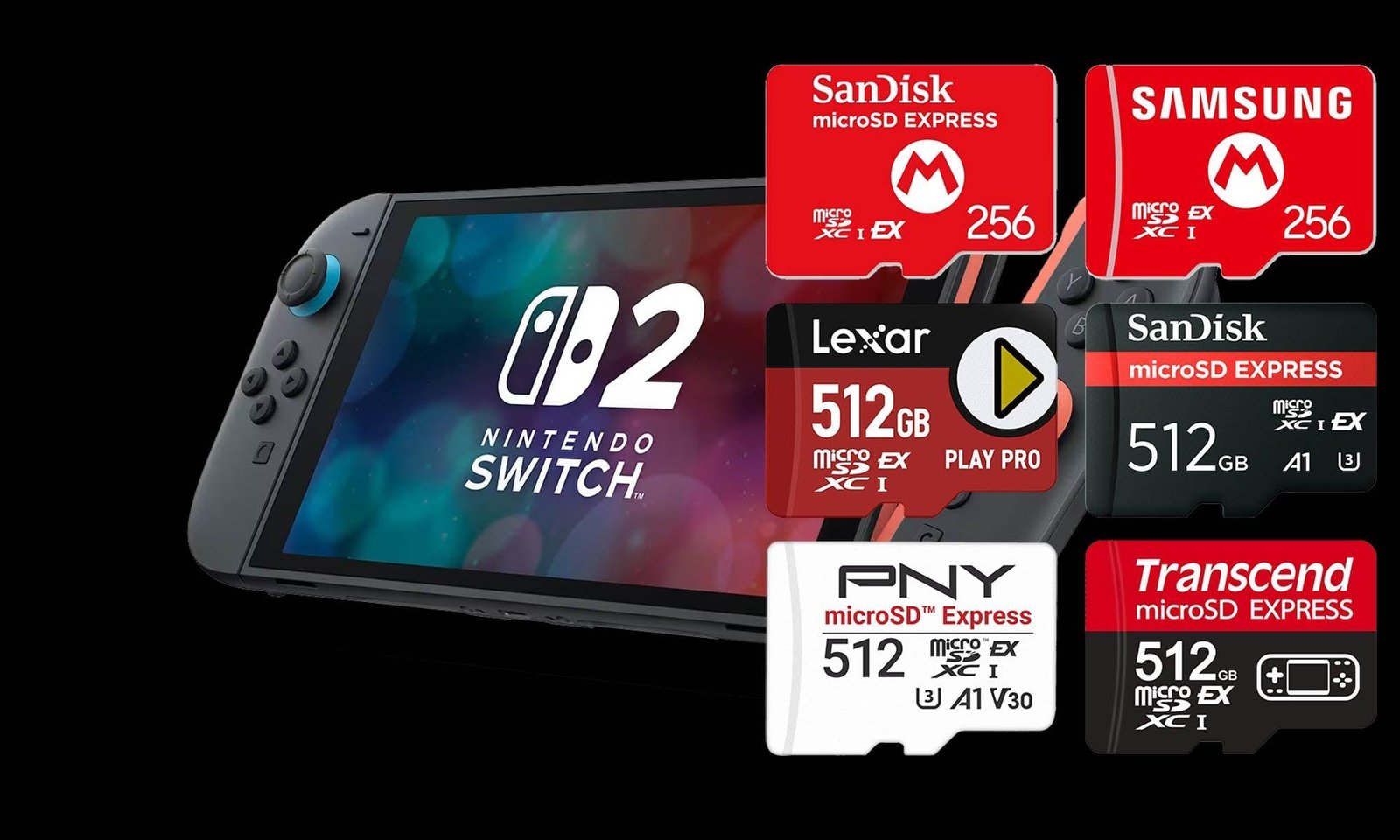



Which microSD Card Should You Buy for Nintendo Switch 2?
Nintendo Switch 2 comes with 256GB of internal storage, a major improvement over the original Switch's 32GB.
But there's an unavoidable problem:
games are getting bigger.
Players who buy several digital games, DLC and major releases will eventually need more storage.
And there's one crucial difference compared with the original Switch.
Nintendo Switch 2 requires microSD Express cards for storing and playing Switch 2 games. Standard microSD cards cannot do this.
In this guide, we'll look at some of the best options and answer the most important question:
256GB, 512GB or 1TB — which capacity should you buy? See our guide to the best Nintendo Switch 2 accessories for more ways to upgrade your console.
Quick Answer: Which Capacity Do We Recommend?
Category
Recommendation
Best for
🏆 Best overall
512GB microSD Express
Most Switch 2 owners
💰 Best budget
256GB microSD Express
Smaller digital libraries
👑 Best long-term
1TB microSD Express
Large digital libraries
🚫 Avoid
Standard microSD
Can't store Switch 2 games
For most players, our recommendation is:
🏆 512GB
Combined with the console's 256GB internal storage, a 512GB card gives you roughly 768GB of raw combined capacity, before formatting and system-reserved space.
That's enough room for a substantial game library without immediately paying the premium associated with 1TB cards.
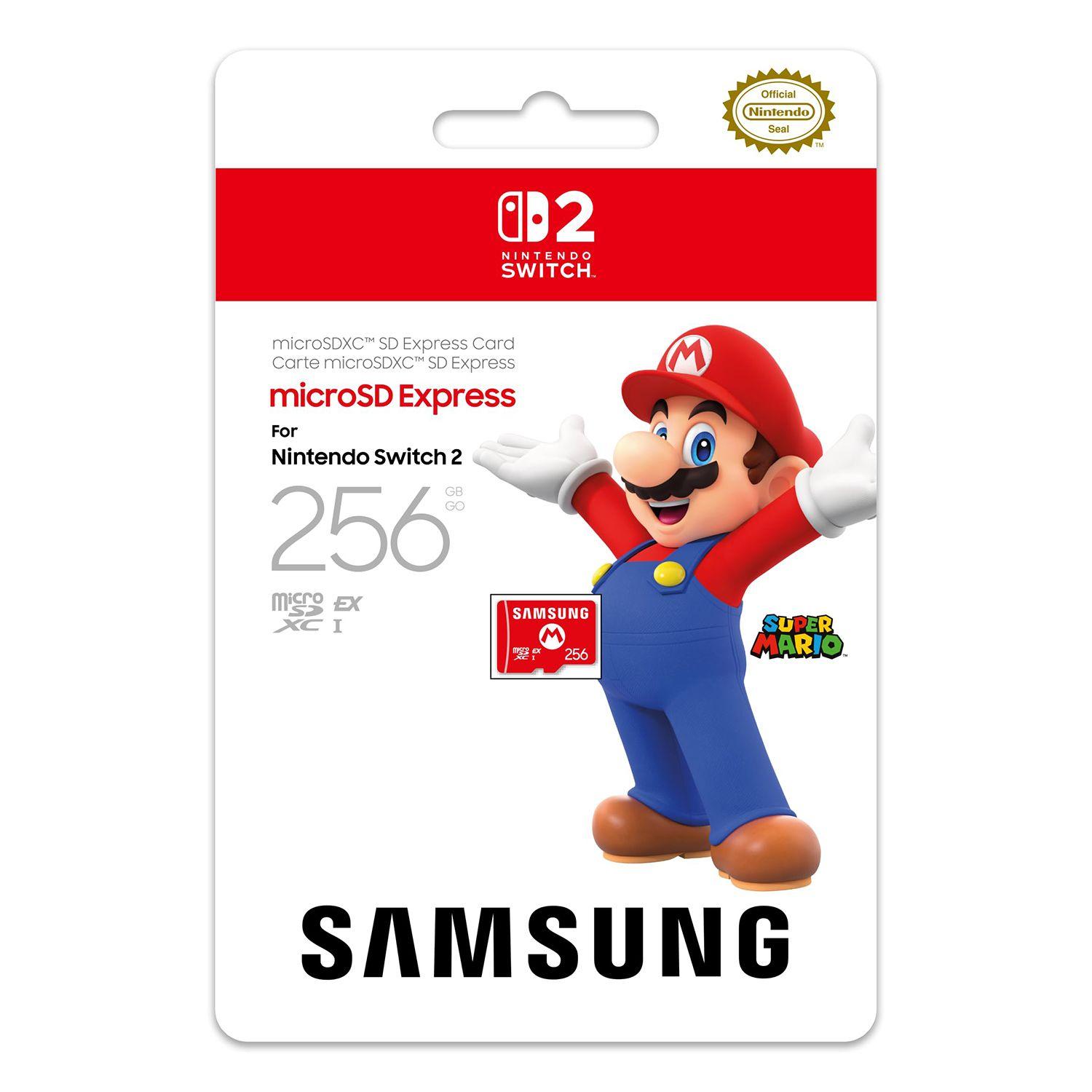
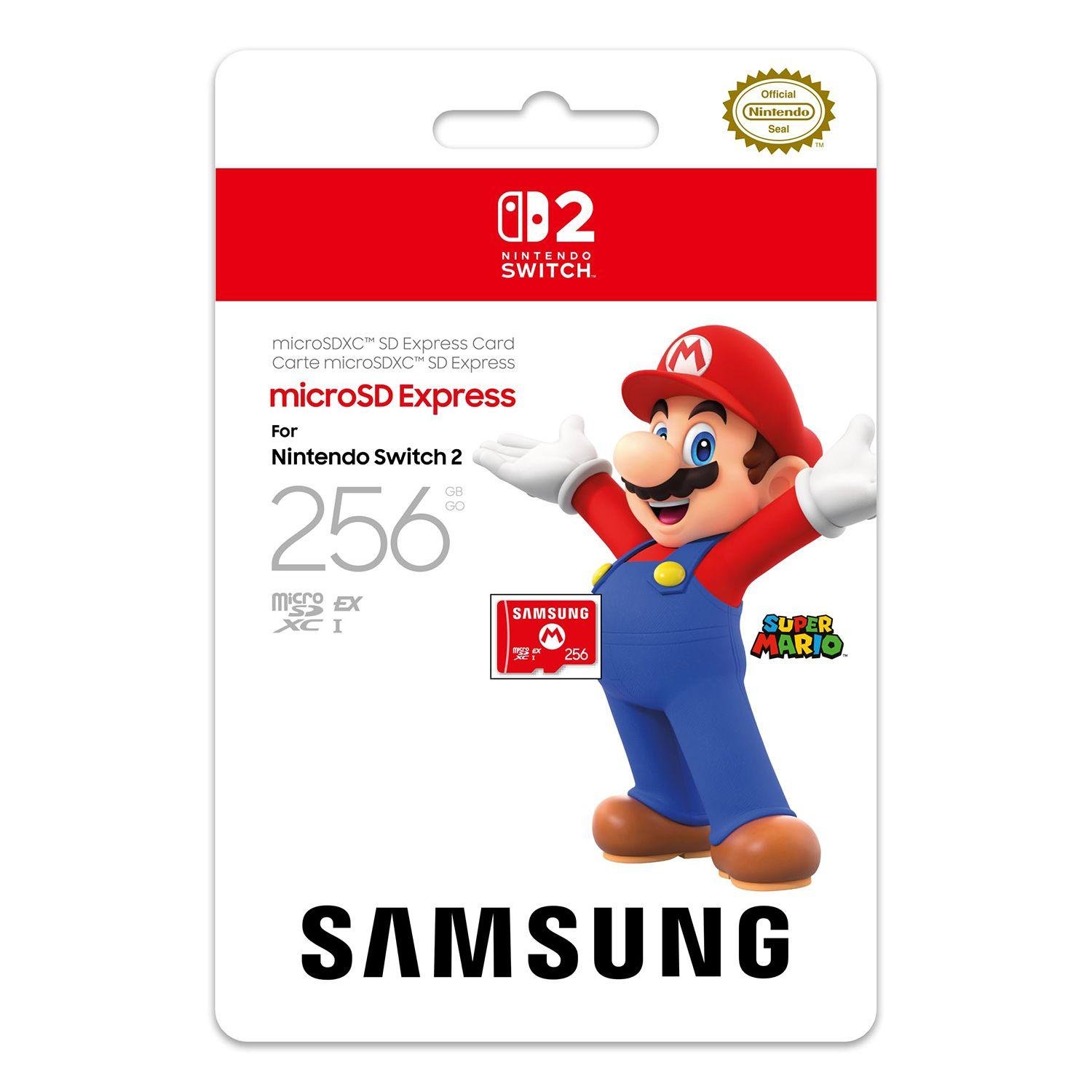
1. Samsung microSD Express 256GB — 🏆 Safe Entry-Level Pick
Samsung's licensed option is one of the easiest recommendations for players who simply want to expand their Switch 2 storage without overthinking the purchase.
It provides an additional 256GB of storage and is officially designed for Nintendo Switch 2.
The capacity isn't huge, but combined with the console's internal storage, it gives moderate users considerably more breathing room.
Who Should Buy It?
Players who primarily buy physical games and only keep a handful of large digital titles installed.
Pros
✓ Officially licensed for Nintendo Switch 2 ✓ Established storage brand ✓ Enough capacity for moderate users ✓ Lower-cost entry into microSD Express
Cons
✗ 256GB can disappear quickly with a digital-heavy library ✗ Upgrading again later may cost more overall
Players Realm Rating
⭐⭐⭐⭐½ 4.5/5
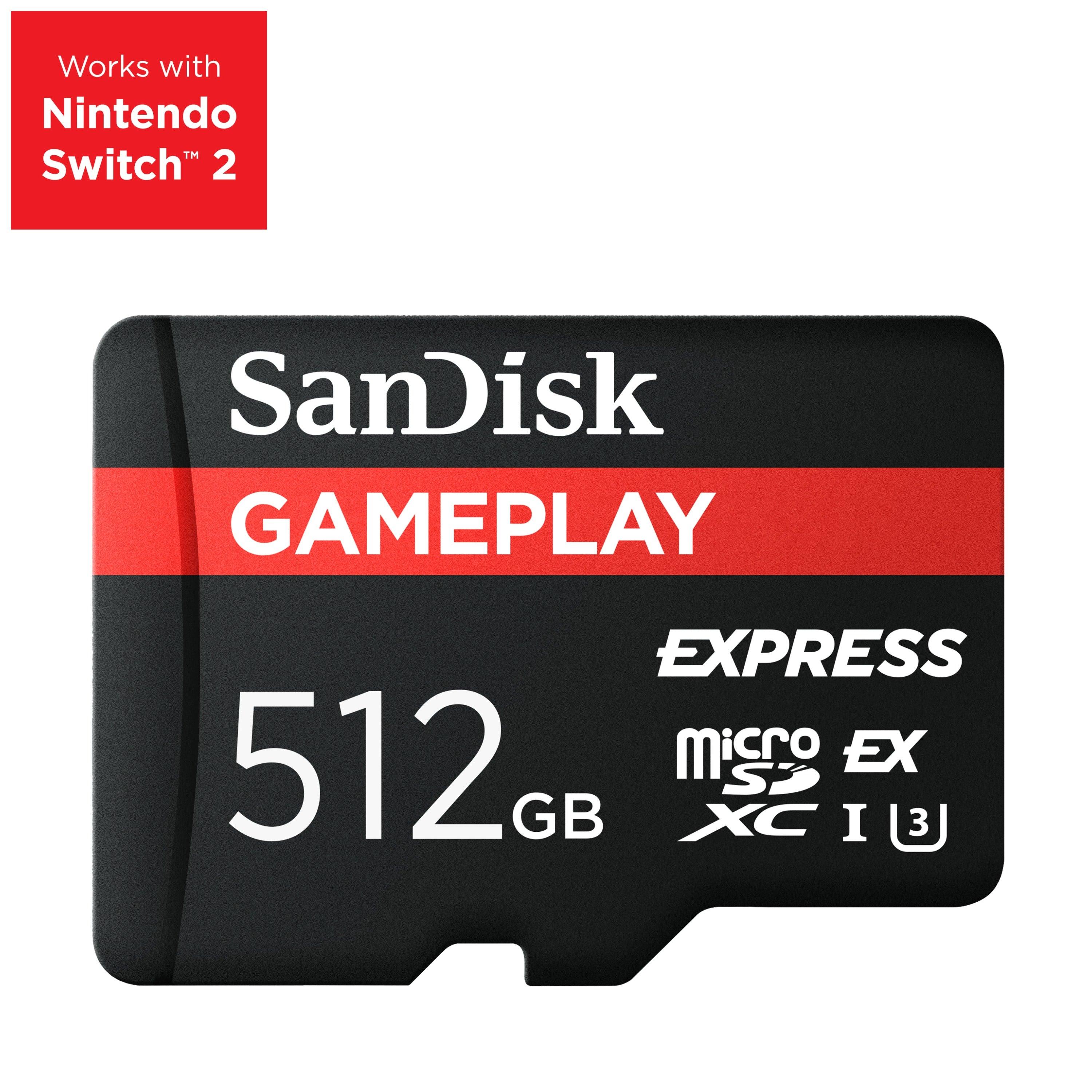
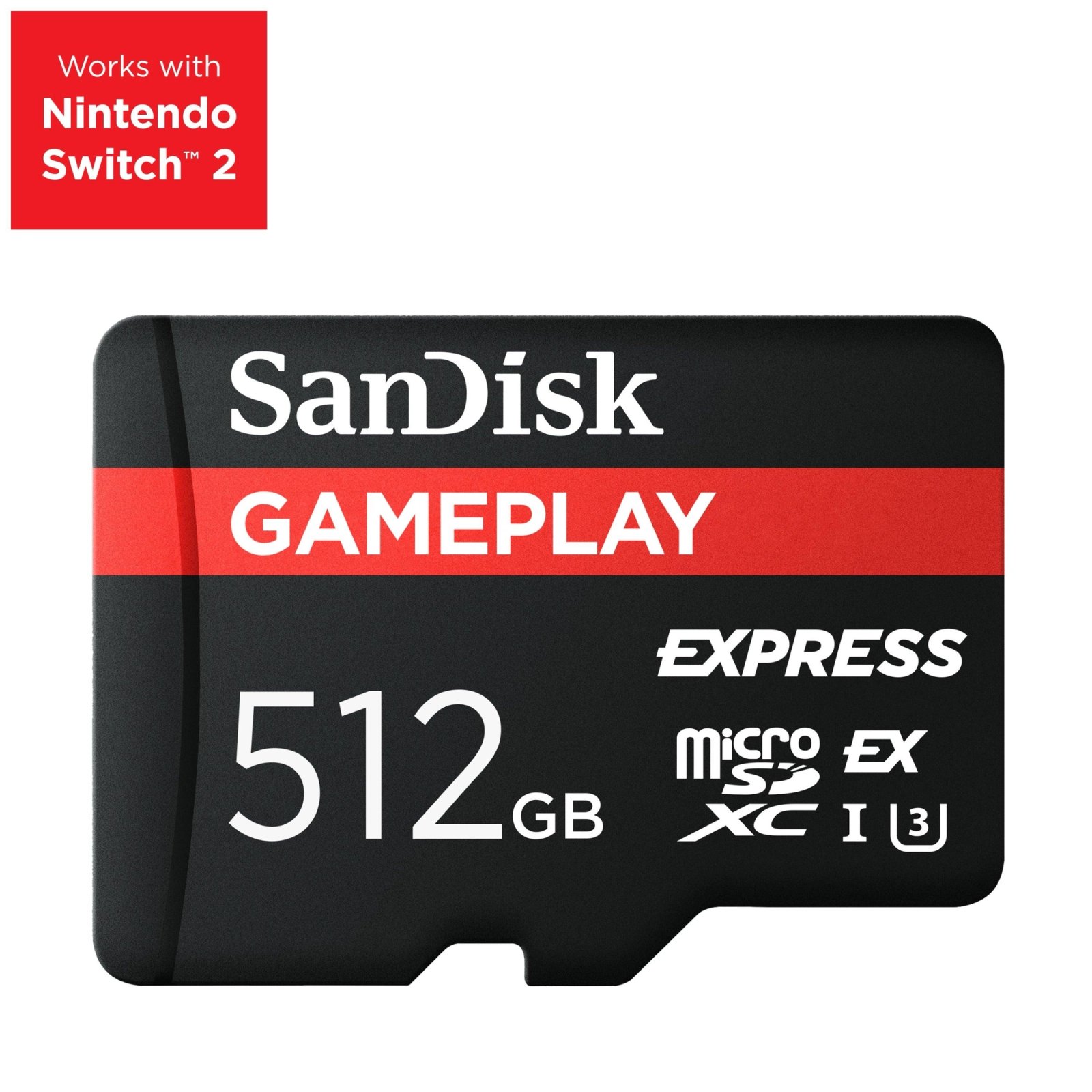
2. SanDisk GamePLAY 512GB — 🏆 Our Pick for Most Players
This is where storage capacity starts becoming particularly interesting.
A 512GB microSD Express card provides a substantial upgrade without immediately jumping into the premium pricing of 1TB models.
SanDisk's GamePLAY microSD Express line offers high-capacity storage designed for compatible gaming devices.
Why 512GB?
Because it offers the best balance between:
capacity + price + longevity.
If you plan to keep your Switch 2 for several years, we'd rather buy 512GB once than save some money now and discover that 256GB isn't enough a few months later.
Players Realm Rating
⭐⭐⭐⭐⭐ 5/5 — Best overall
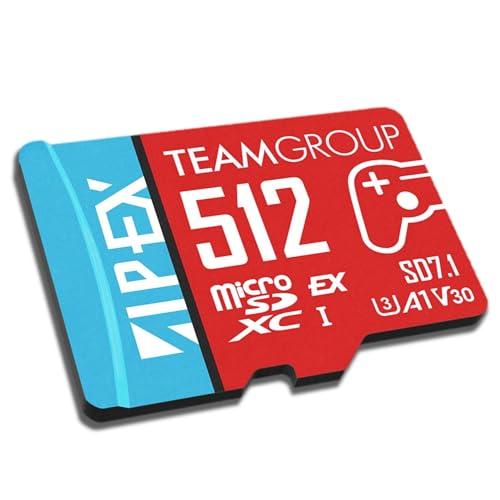
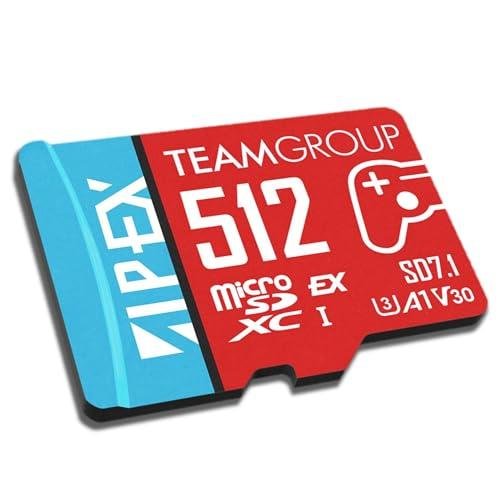
3. TeamGroup microSD Express 512GB — Best Alternative
TeamGroup also offers a compelling option in the 512GB range.
Its microSD Express card uses the required standard and is marketed for devices including Nintendo Switch 2.
Its biggest advantage is simple:
price competition.
If the TeamGroup card is significantly cheaper than equivalent Samsung or SanDisk options when you're buying, it can offer excellent value.
Players Realm Rating
⭐⭐⭐⭐ 4/5 — Excellent when discounted
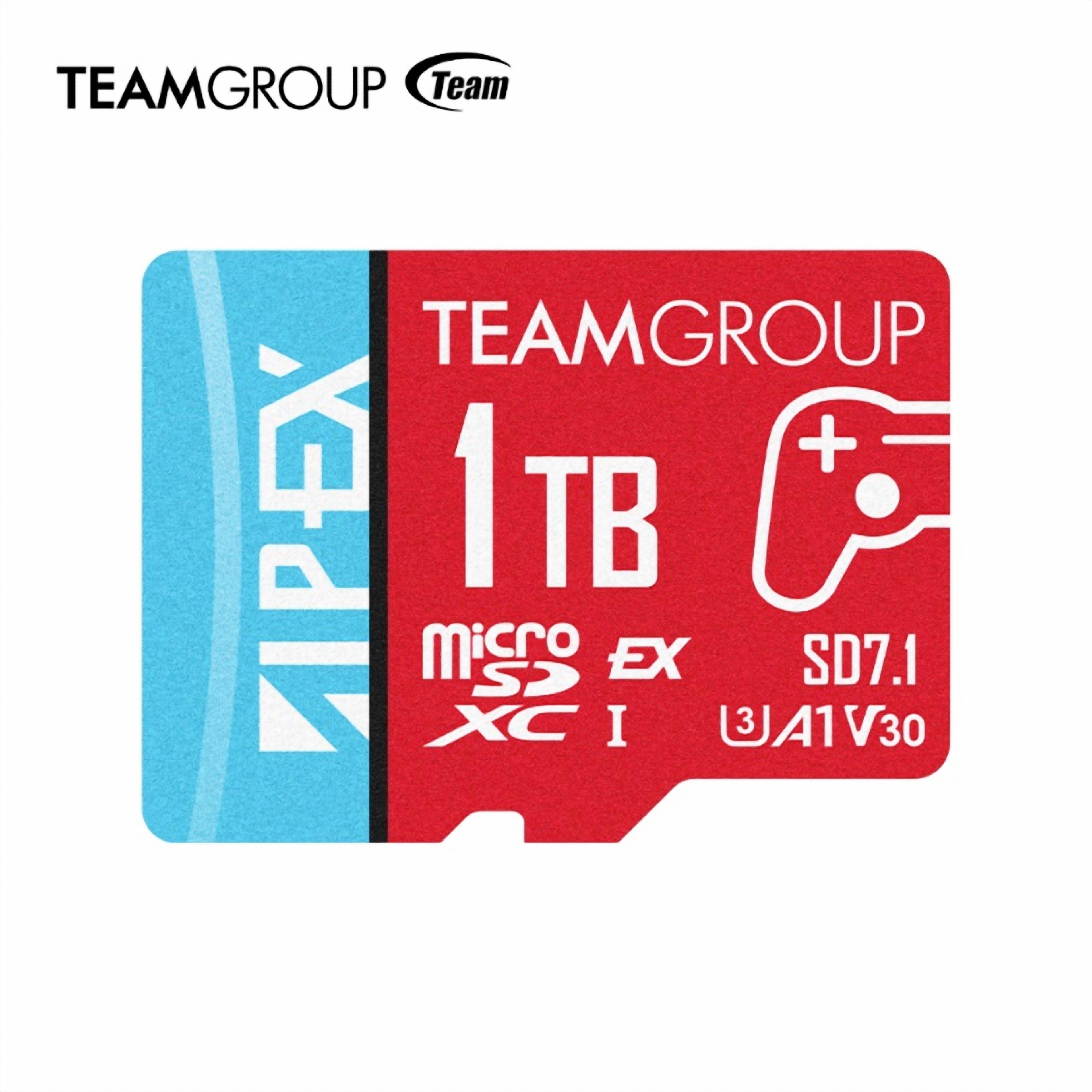
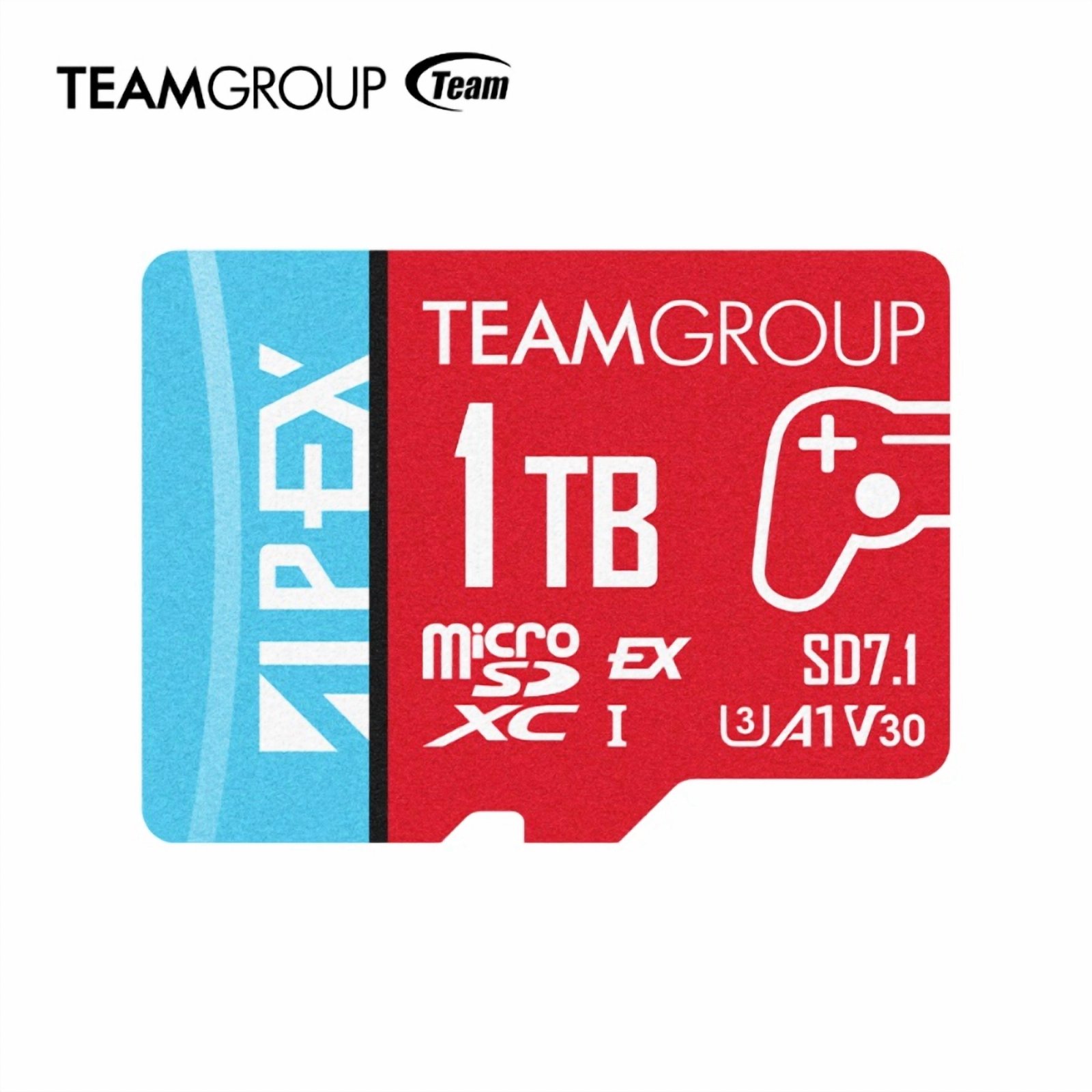
4. TeamGroup Apex SD7.1 1TB — 👑 Best for Huge Libraries
Now we're entering territory designed for players who treat their Switch 2 as a primarily digital game library.
1TB is a lot of storage.
In recent comparative testing, the TeamGroup Apex SD7.1 1TB has appeared among the strongest high-capacity microSD Express options, with advertised speeds of up to 800MB/s read and 700MB/s write.
The biggest drawback?
Price.
High-capacity microSD Express cards remain significantly more expensive.
Who Should Buy It?
Players who:
buy almost everything digitally;
keep many games installed simultaneously;
have a large AAA library;
don't want to think about storage again anytime soon.
Players Realm Rating
⭐⭐⭐⭐½ 4.5/5 — Excellent, but expensive
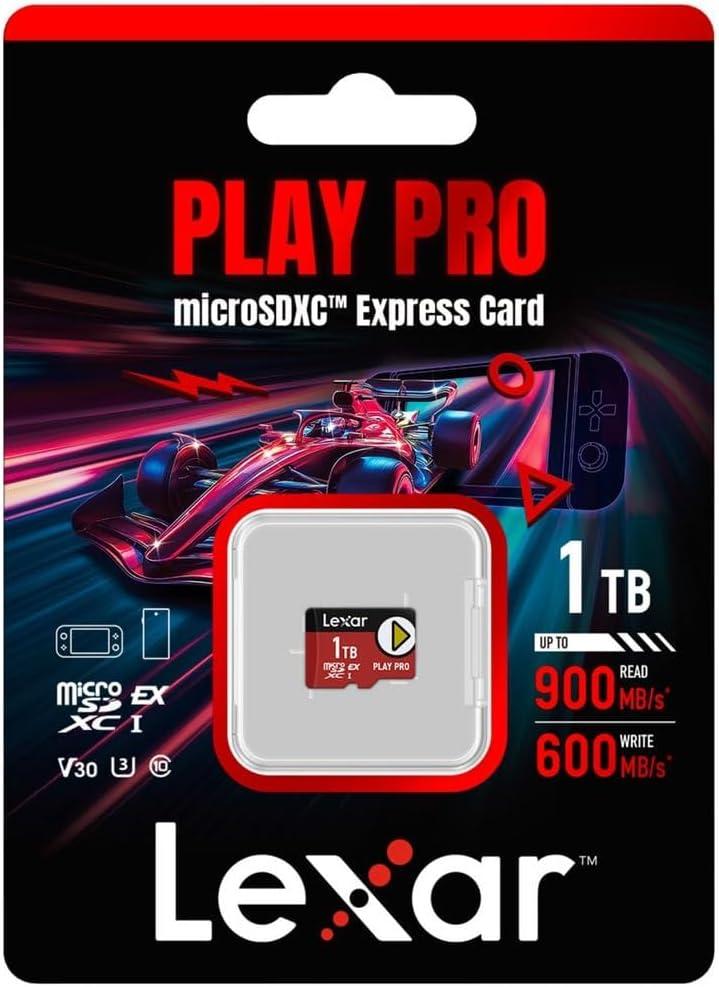
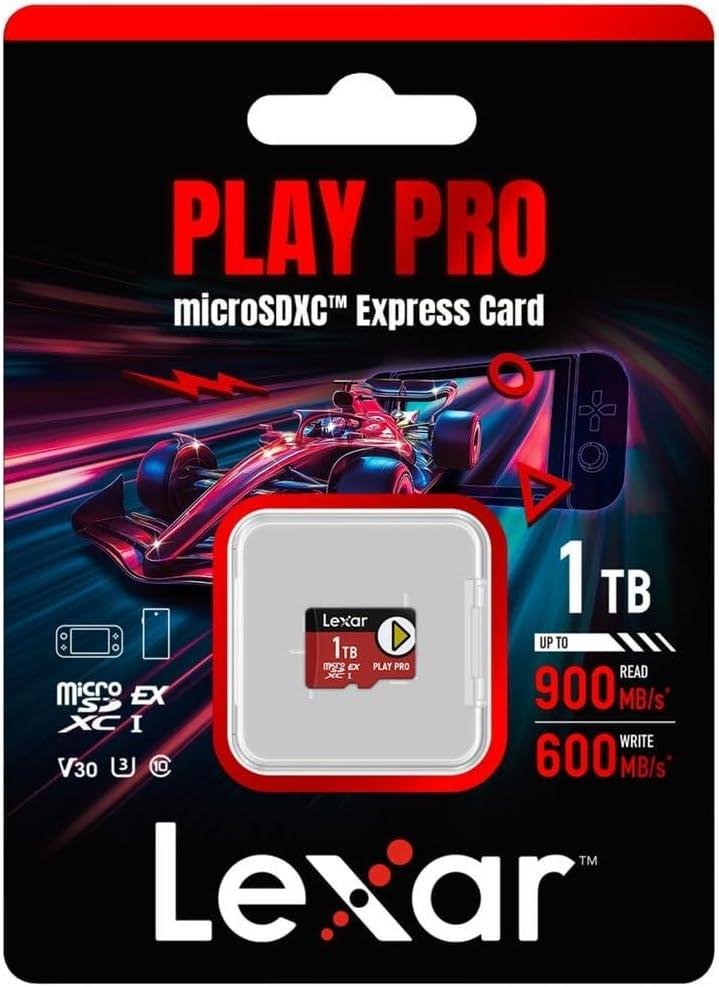
5. Lexar PLAY PRO 1TB — Premium 1TB Alternative
The Lexar PLAY PRO 1TB is another high-performance option.
The card advertises speeds of up to 900MB/s read and 600MB/s write, and has performed strongly in recent comparisons of microSD Express cards.
But there's an important point:
don't buy a card simply because it has the biggest speed number on the box.
Real-world Switch 2 testing shows that the differences between quality microSD Express cards can be much smaller during actual console operations and game loading than headline specifications might suggest.
Between two reputable compatible cards, we'd therefore prioritize price, capacity and warranty.
Players Realm Rating
⭐⭐⭐⭐½ 4.5/5 — Premium pick
256GB vs 512GB vs 1TB
This is ultimately the most important decision.
256GB
Choose it if:
You buy a lot of physical games.
You don't keep dozens of games installed.
You want to spend less.
Verdict: 💰 Best budget option.
512GB
Choose it if:
You mix physical and digital games.
You want a reasonably large installed library.
You don't want to upgrade again soon.
Verdict: 🏆 Best choice for most players.
1TB
Choose it if:
Most of your library is digital.
You buy plenty of large games.
You want dozens of titles installed.
You'd rather spend more now and worry less later.
Verdict: 👑 Best for power users.
What About 2TB?
This is where things get extreme.
Nintendo officially supports microSD Express cards with capacities of up to 2TB.
So:
2TB is supported.
But compatibility doesn't automatically make it good value.
For the overwhelming majority of players, 512GB or 1TB makes much more financial sense in 2026.
Our recommendation is simple:
don't pay the 2TB premium unless you genuinely know you need that much storage.
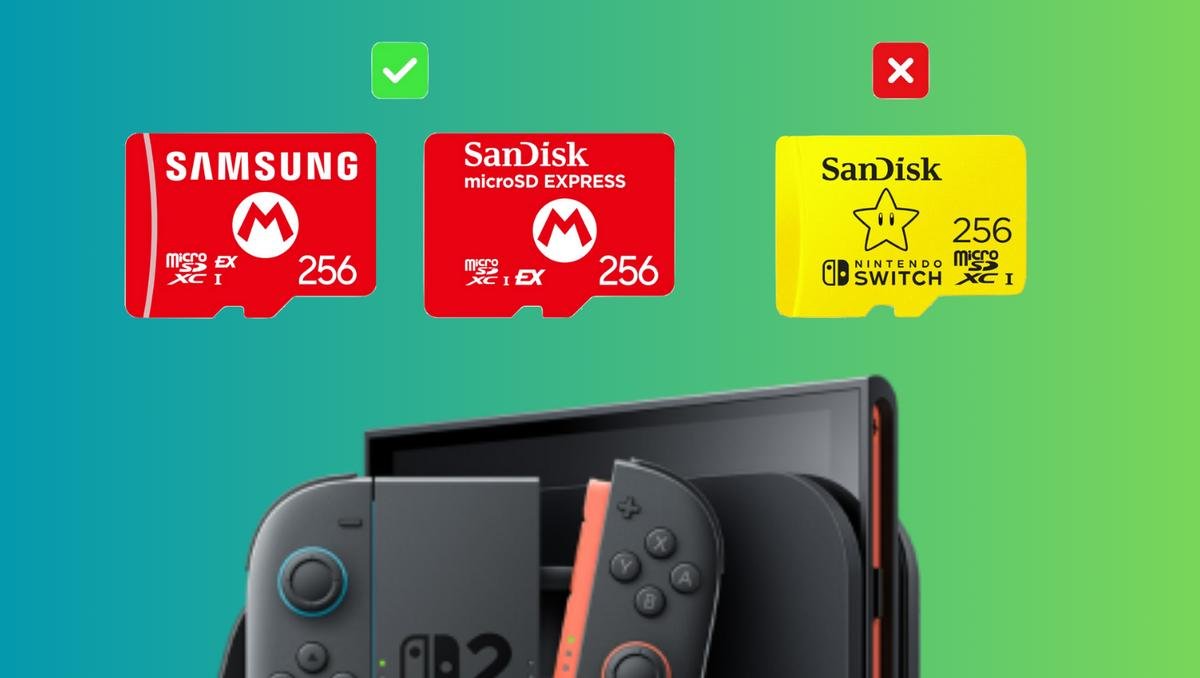
⚠️ Don't Accidentally Buy a Regular microSD Card
This is likely to be one of the most common Switch 2 storage mistakes.
The cards look almost identical.
But there's a crucial difference.
Original Nintendo Switch:
standard microSD ✅
Nintendo Switch 2 game storage:
microSD Express ✅
standard microSD ❌
Nintendo confirms that standard microSD cards cannot be used to store or load Nintendo Switch 2 games.
Look specifically for the:
microSD EX
marking before buying.
Does microSD Express Make Switch 2 Games Faster?
There's an important nuance here.
The microSD Express standard is significantly faster than traditional microSD technology and uses technology derived from PCIe/NVMe.
However, buying the card with the highest advertised MB/s number doesn't necessarily mean noticeably faster Switch 2 games.
Recent testing across multiple microSD Express cards found relatively small differences in game-loading performance among quality models.
That's why our buying priorities are:
1. microSD Express compatibility
2. Brand/reliability
3. Capacity
4. Price
5. Advertised speed
Not the other way around.
Can You Use Multiple microSD Express Cards?
Yes.
But Nintendo recommends using one microSD Express card with the system.
If you eventually run out of space, Nintendo recommends transferring the data to a larger card rather than constantly managing several cards.
That reinforces our preference for 512GB.
Buying enough capacity from the beginning can save you from managing or replacing smaller cards later.
Is Save Data Stored on the microSD Express Card?
No.
That's another important distinction.
On Switch 2, a microSD Express card can store content including:
digital games, updates, DLC, screenshots, captured videos.
But save data remains in the console's internal system memory and cannot be transferred to the microSD Express card.
🏆 Players Realm Verdict
For most Nintendo Switch 2 owners:
512GB is the sweet spot.
256GB remains a good choice for players who primarily buy physical games.
1TB is excellent for large digital libraries.
And 2TB exists for players who want maximum storage and are willing to pay for it.
Our main recommendation in 2026 is to look for a 512GB microSD Express card from a reputable manufacturer, compare current prices and choose whichever offers the strongest value.
You don't need the biggest speed number on the package.
You need enough capacity, genuine compatibility and reliability.