



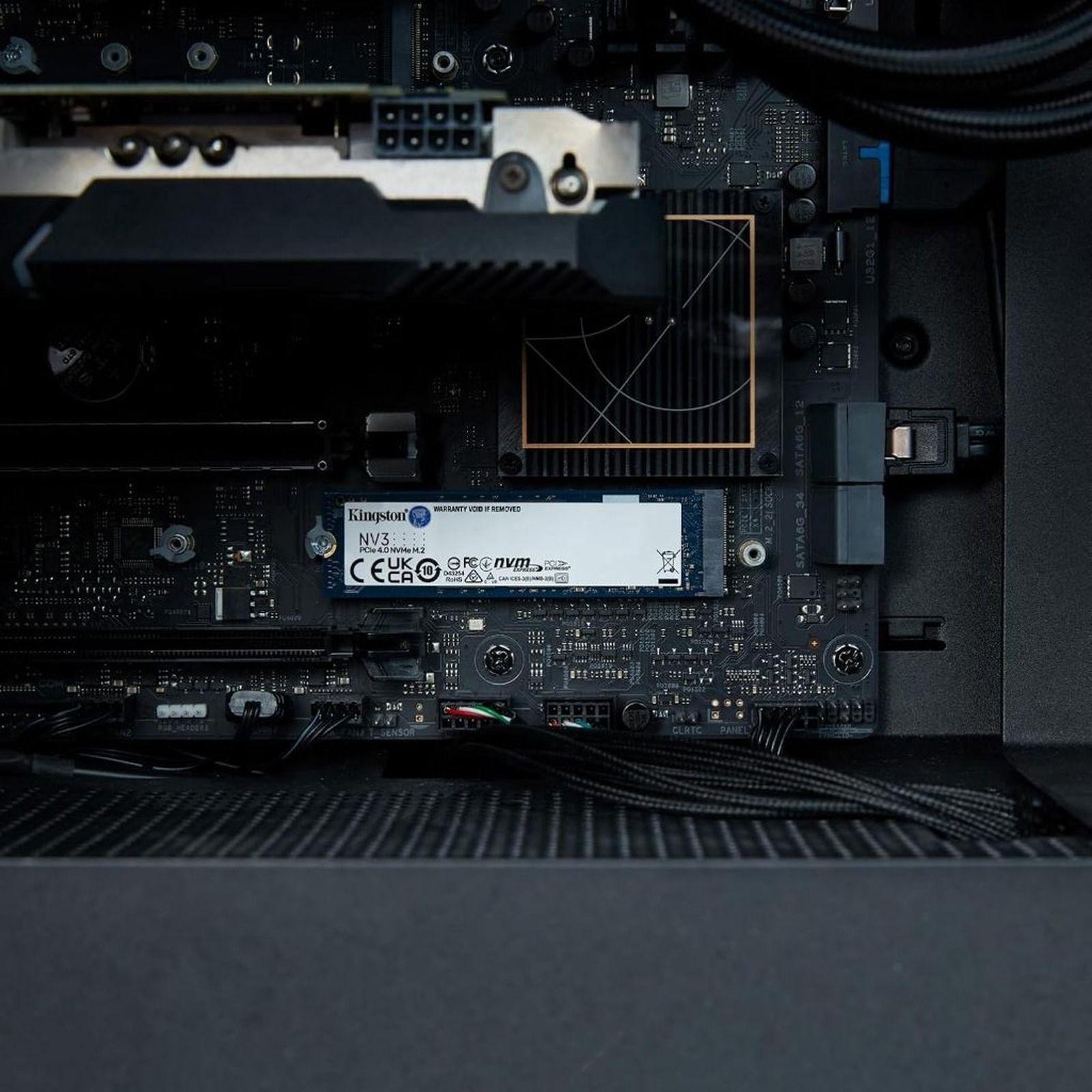
Few parts change gaming as much as your SSD. It will not raise your FPS, but it ends that minute staring at a loading screen, lets open worlds stream without stutter and gets Windows up in seconds. With games passing 100GB, the question is no longer whether to get an NVMe drive, but which one.
Shopee has become one of the cheapest places in Brazil for this upgrade, but the catalog is huge and mixes official stores with sketchy listings. So we filtered: the 10 items below all have a sales history and strong ratings. The list goes beyond the SSD itself, with heatsinks and accessories that make the upgrade go further.
Before you buy: three checks
- Motherboard or laptop slot: check whether the M.2 slot is PCIe 3.0, 4.0 or 5.0. A faster drive works, but is capped by the slot.
- Form factor: almost every PC uses M.2 2280. Handhelds such as the Steam Deck use 2230.
- NVMe or SATA: some older laptops only accept M.2 SATA. Check the manual before buying.
NVMe SSDs for PC and laptop
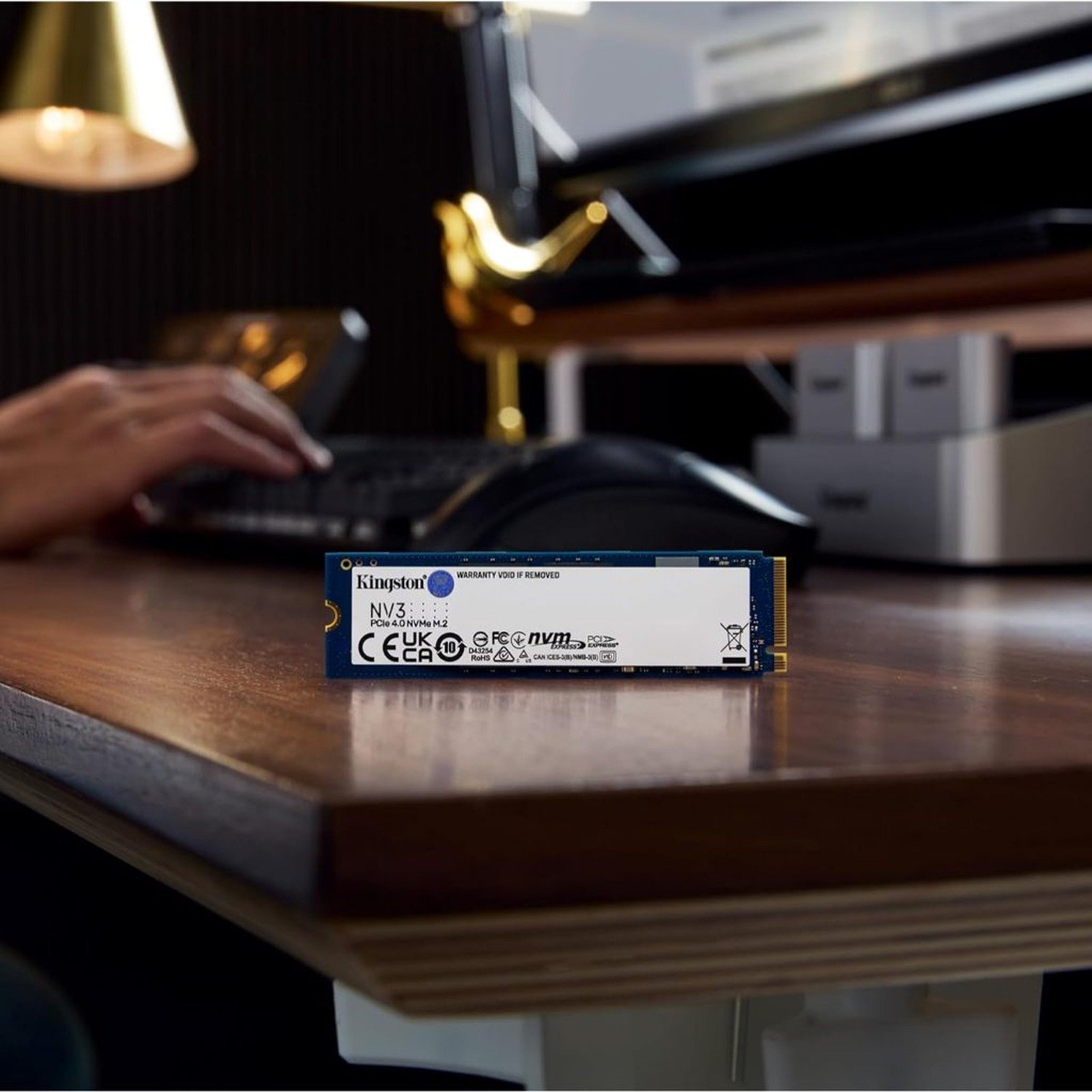
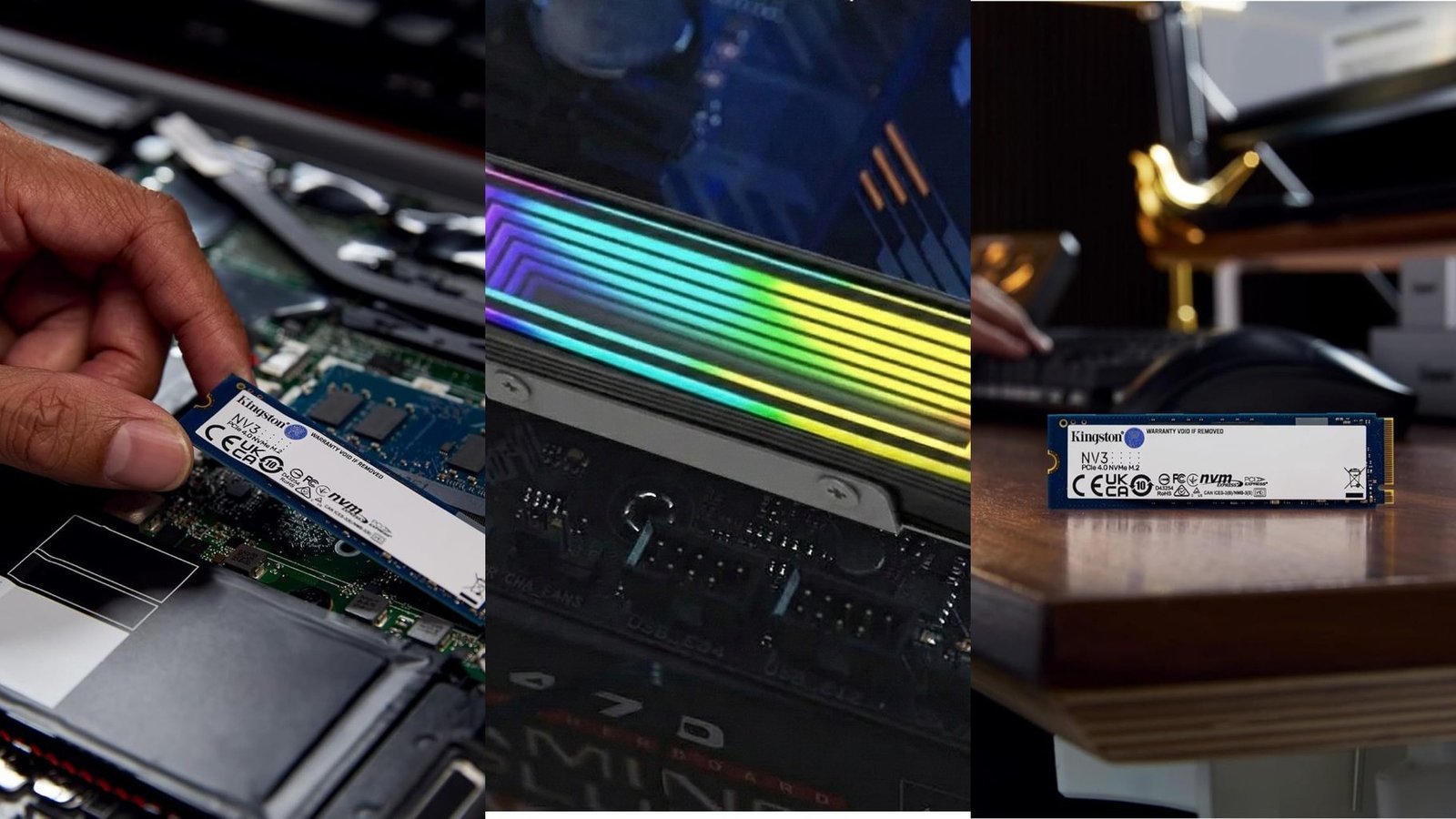
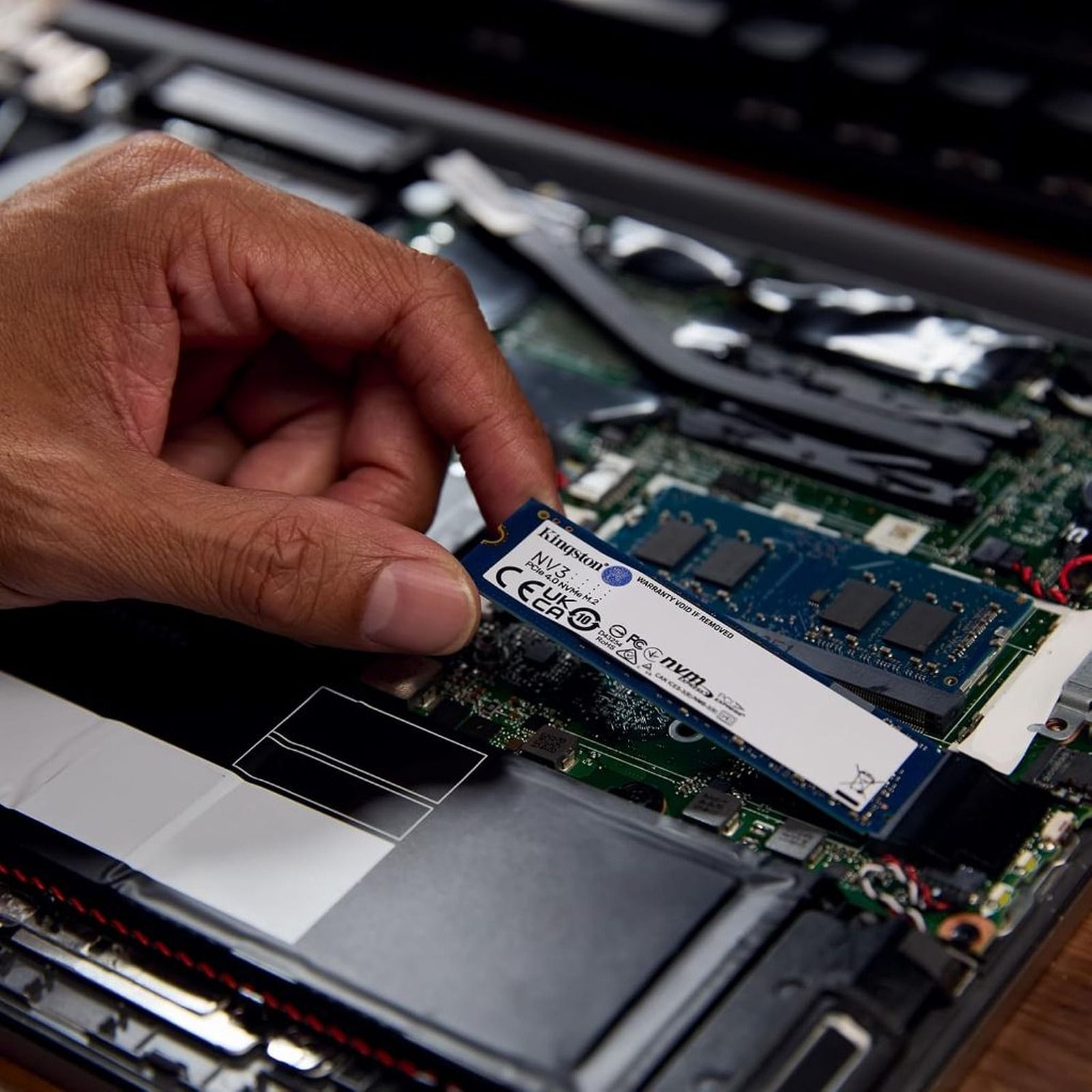
Kingston NV3. Shopee's best-selling NVMe SSD earns that spot: PCIe 4.0, up to 6,000 MB/s reads in the larger capacities and an entry-level price. If you still game on a hard drive or SATA SSD, the loading difference is immediate. The listing is from an official store with several capacities on one link, so pick yours carefully. For gaming, 1TB is the comfortable minimum and 2TB is ideal.
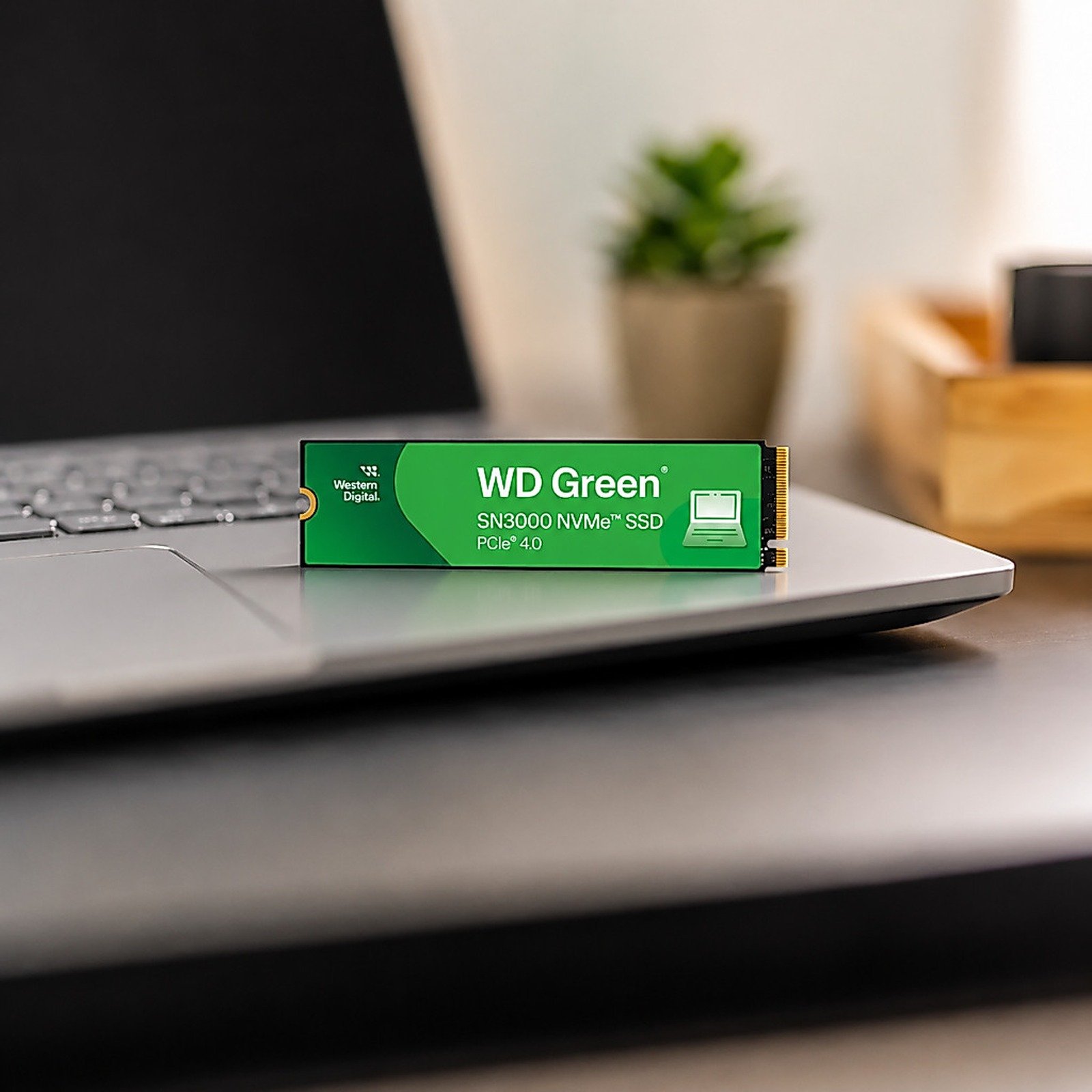
WD Green SN3000. Western Digital's entry line already uses PCIe 4.0 and reaches up to 5,000 MB/s reads. It is not the fastest here, but it comes from a brand with a long storage track record and often fights the NV3 on price. It works well in laptops and desktops and is the pick if you want a known brand on a small budget.
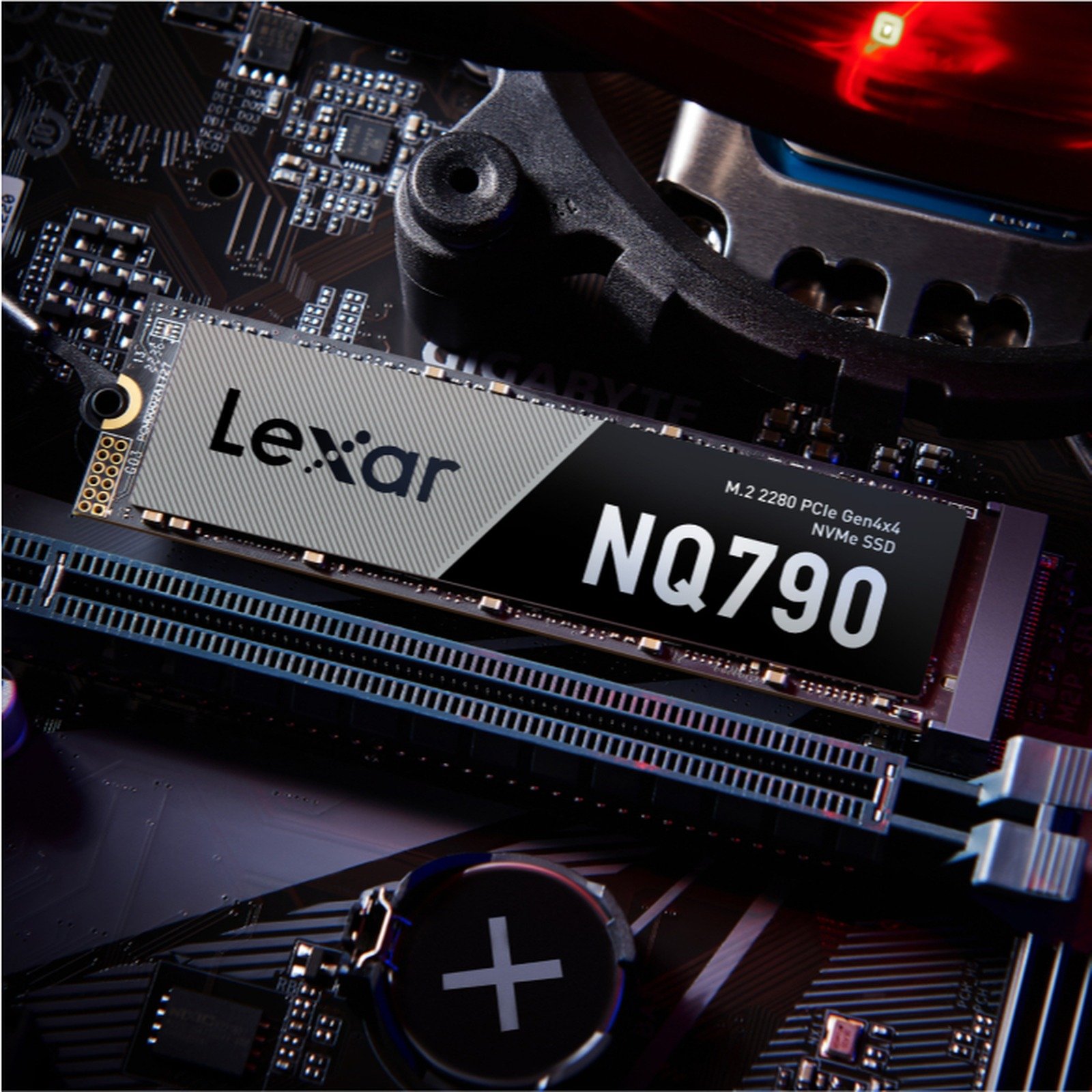
Lexar NQ790 1TB. One step up: PCIe 4.0 with reads of up to 7,000 MB/s according to Lexar, close to top-tier drives. It uses QLC memory, which slows down in very long copies, something that rarely happens while gaming. For installing big games and watching loading screens disappear, it is a great middle ground.
High end and PS5
For maximum speed, or an SSD ready to drop into a PS5.
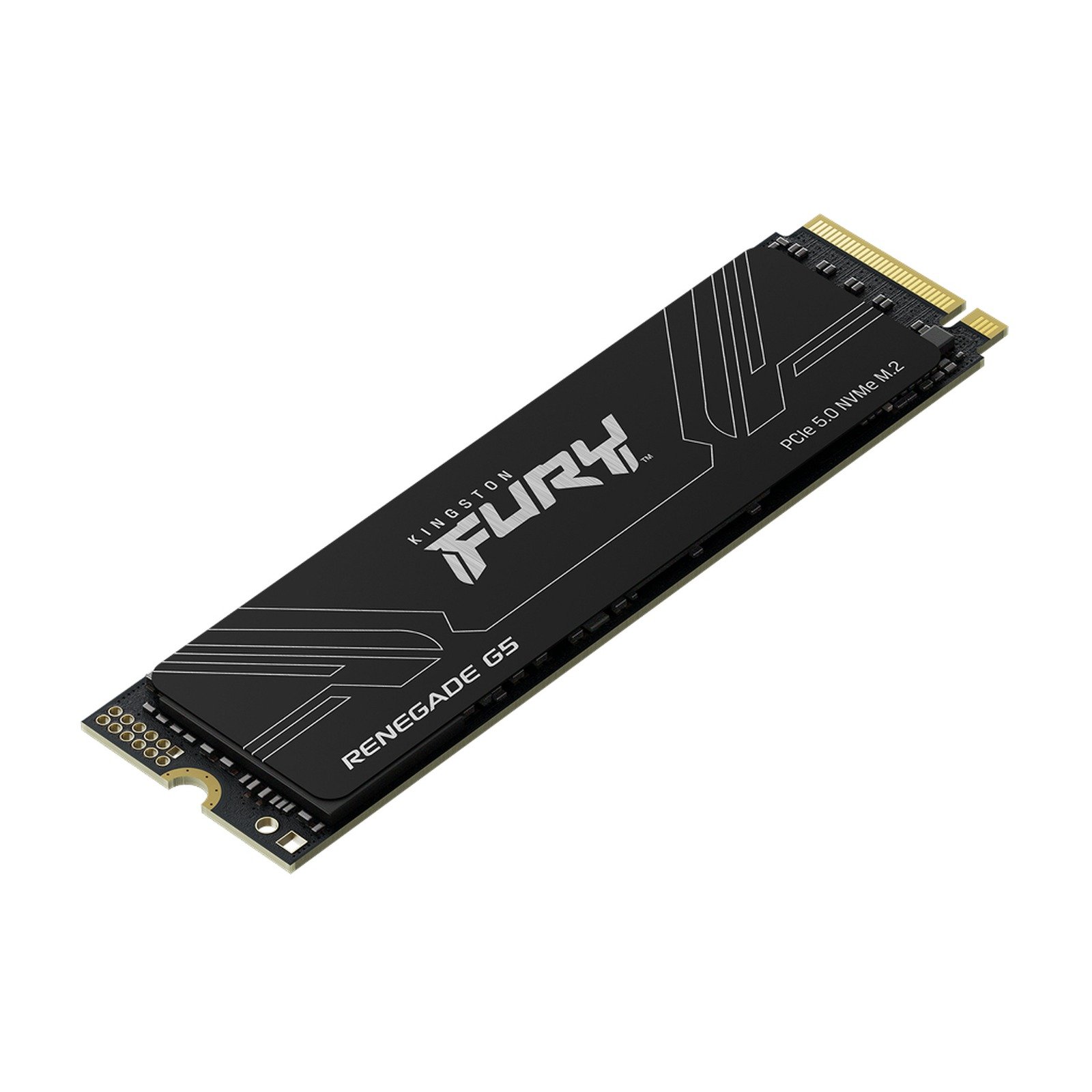
Kingston FURY Renegade G5 2TB. The absolute top tier: PCIe 5.0 with reads around 14,000 MB/s. It only makes sense on motherboards with a PCIe 5.0 M.2 slot, found on the latest AMD and Intel platforms. In a 4.0 slot it works but performs like a 4.0 drive. It is for high-end new builds or anyone moving huge files.
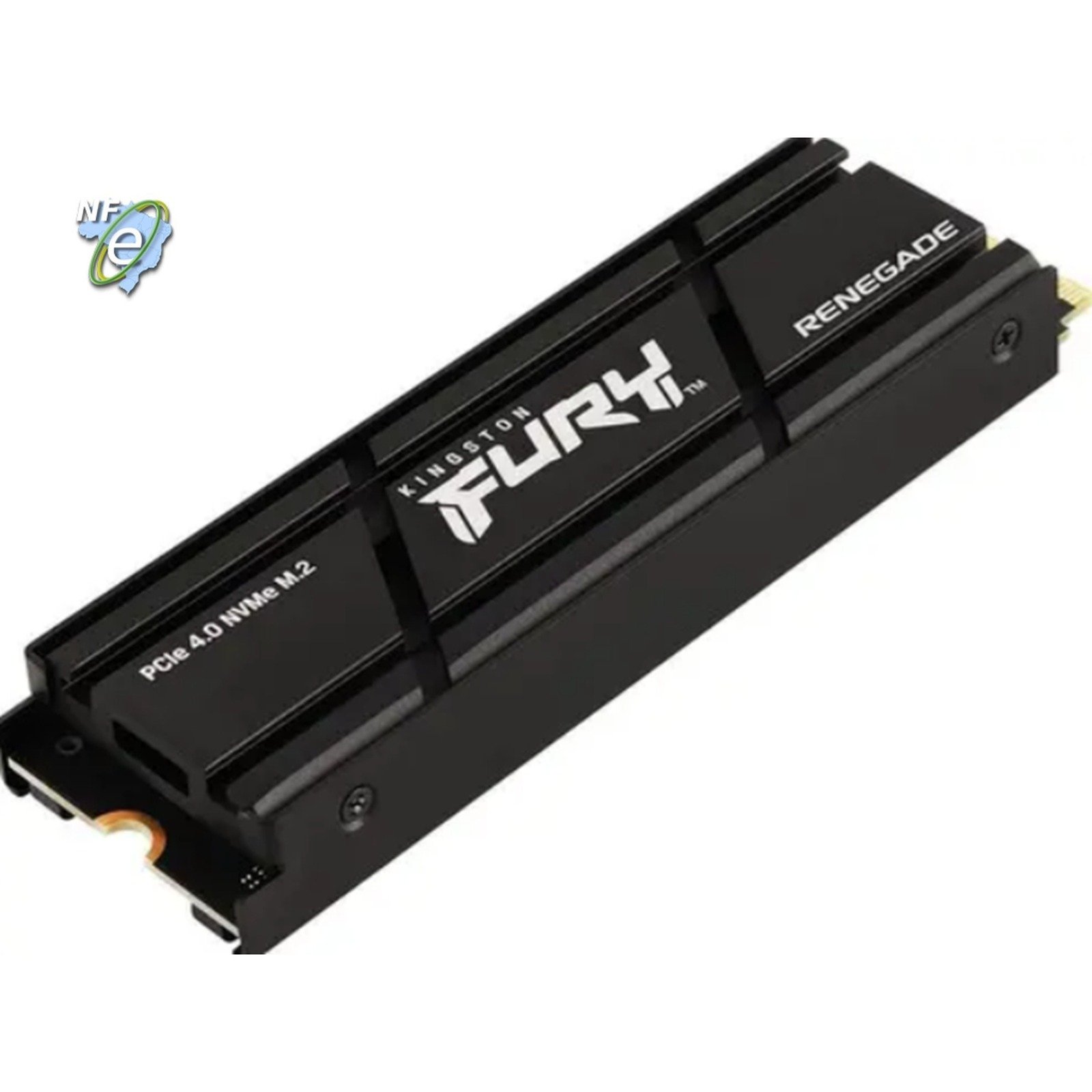
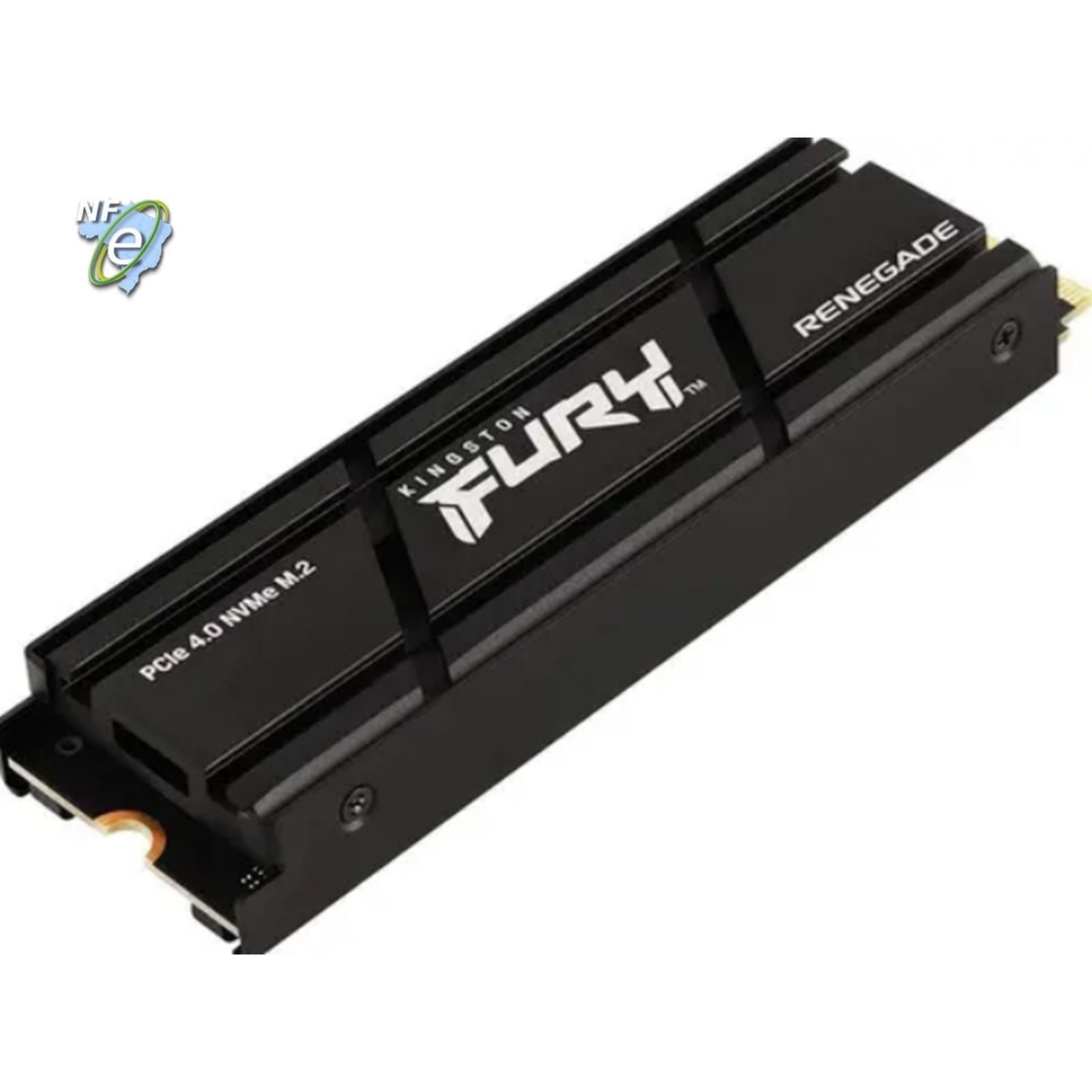
Kingston FURY Renegade 2TB with heatsink. The PCIe 4.0 version of the FURY line, rated at up to 7,300 MB/s with a factory heatsink. It is the ready-made PS5 option: the console needs a PCIe 4.0 M.2 SSD of at least 5,500 MB/s with cooling, and this meets both without extra parts. On PC it delivers top-tier 4.0 performance.
Heatsinks: the cheap upgrade everyone forgets
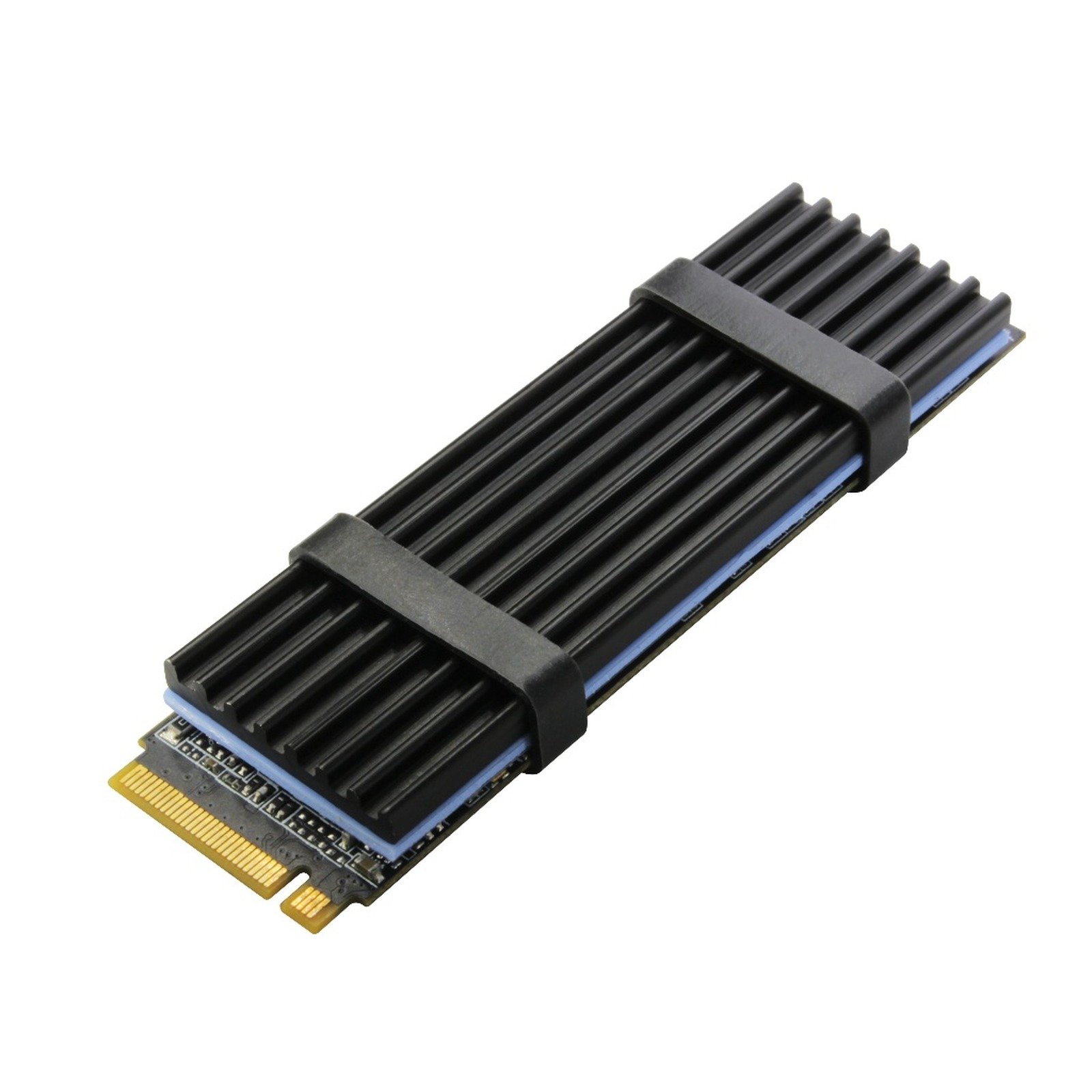
Aluminum heatsink with thermal pad. NVMe SSDs run hot, and past a certain point they slow down to protect themselves. A simple aluminum heatsink with thermal pad solves that for very little money. It suits PCs without an M.2 heatsink and the PS5, as long as you check the total height before installing.
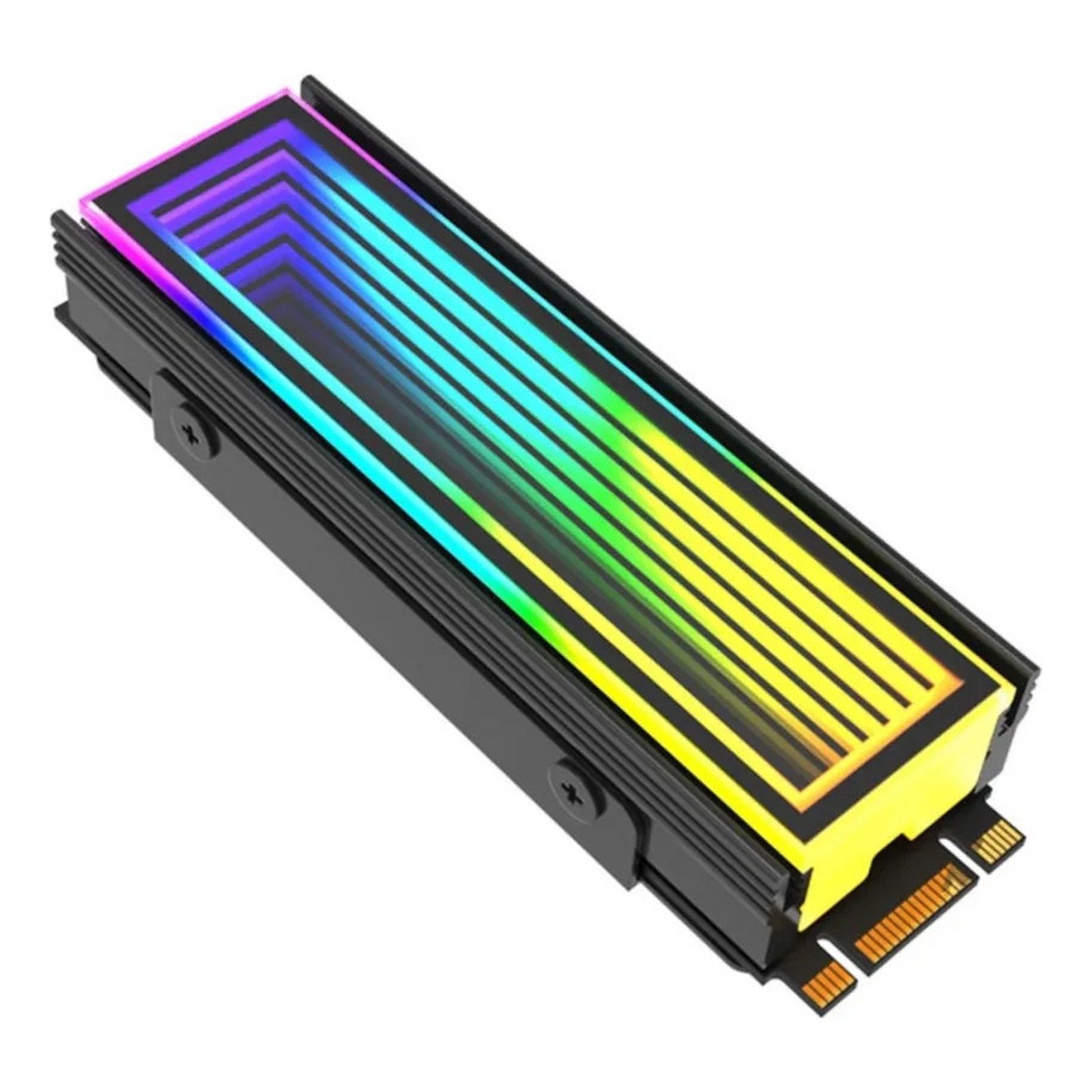
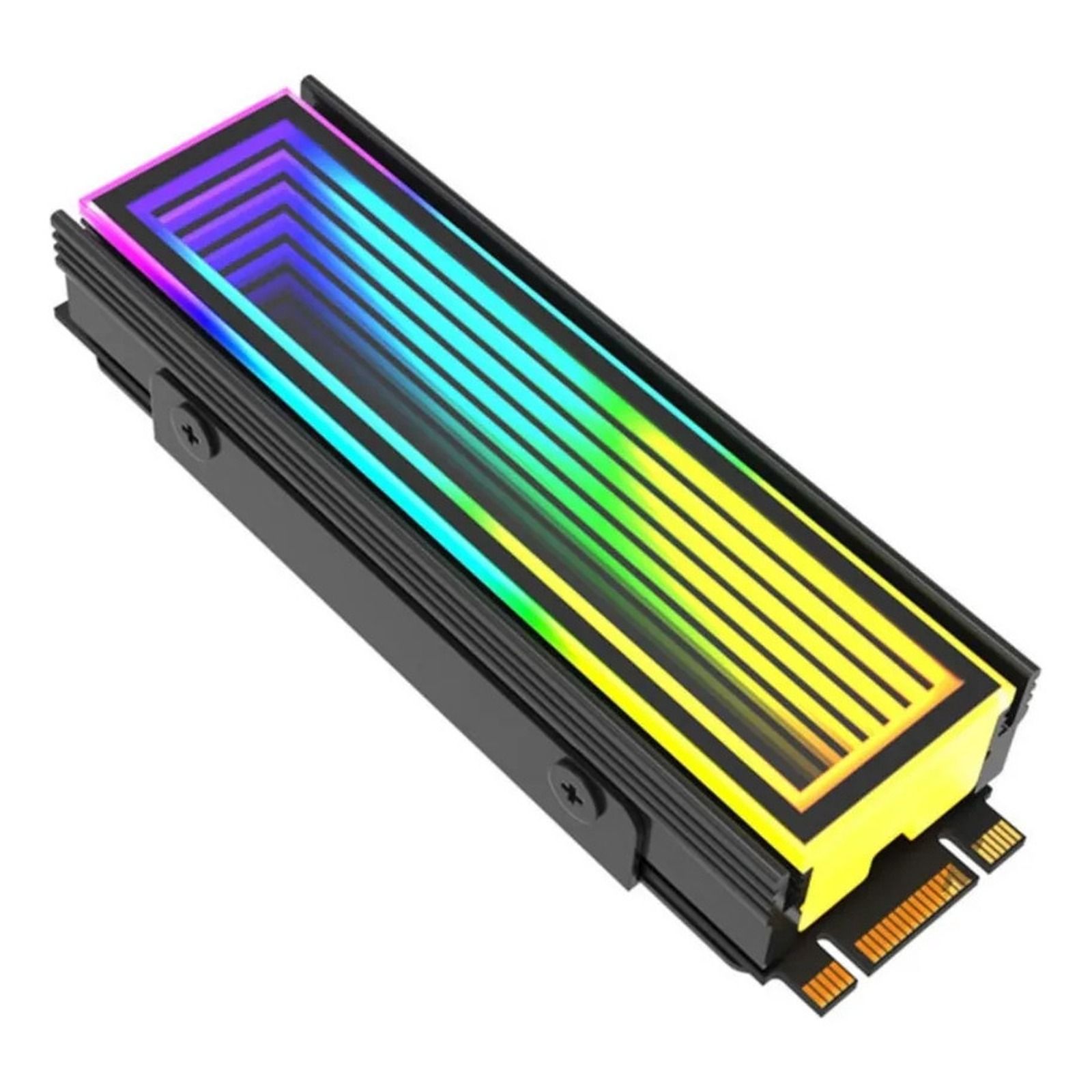
Delta-CN510 ARGB heatsink. For glass-panel cases where even the SSD should look good. Besides cooling, it has ARGB lighting on a 5V 3-pin connector, compatible with systems such as Aura Sync. Before buying, make sure your motherboard has a free ARGB header.
Accessories to get the most from every SSD
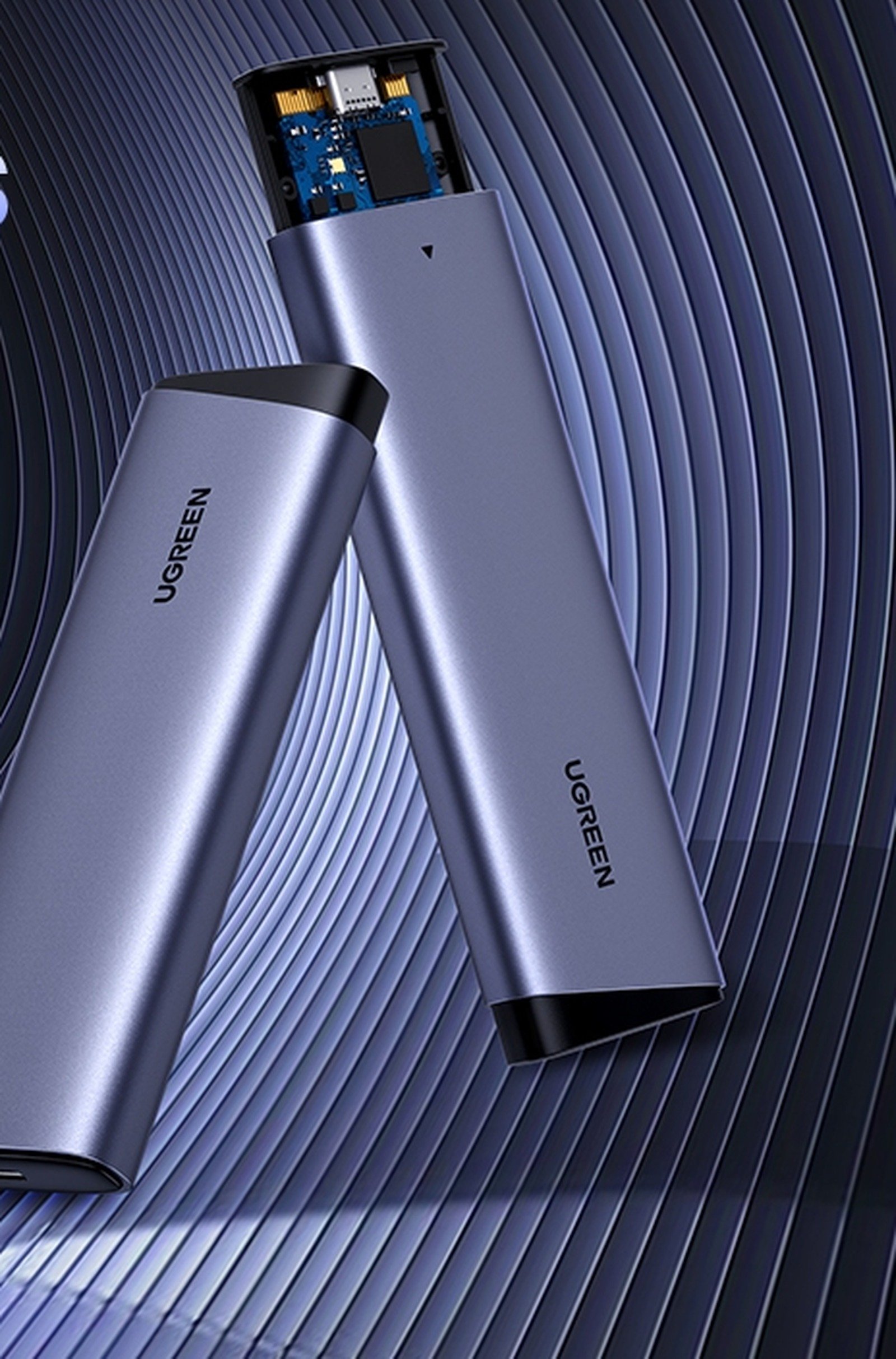
UGREEN M.2 SSD enclosure. Upgraded your SSD and have the old one lying around? This enclosure turns an M.2 SSD, NVMe or SATA, into a 10 Gbps USB external drive. Use it to carry a game library, make backups or add storage to a laptop or handheld. The listing is from UGREEN's official store.
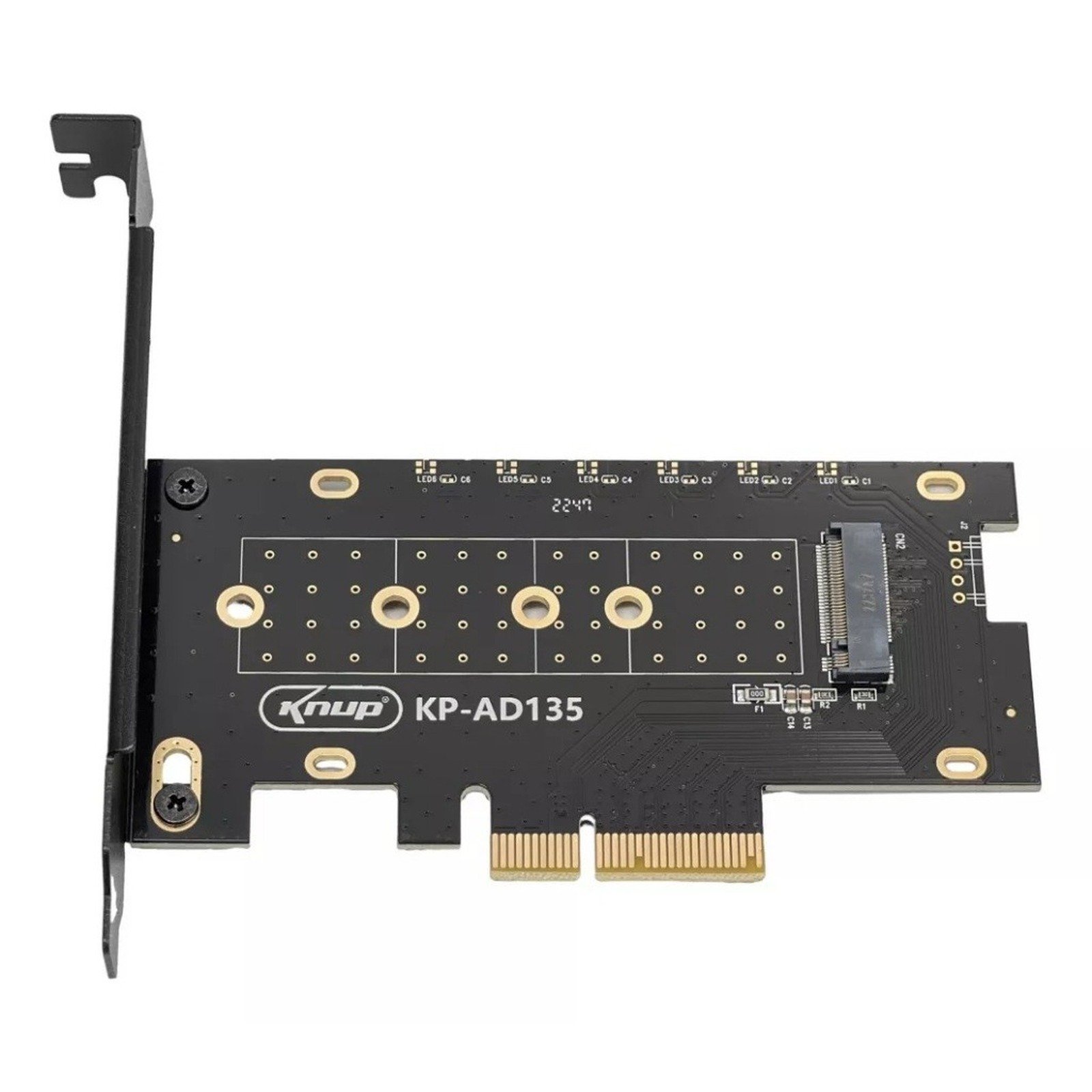
Knup PCIe adapter card. Older PC without an M.2 slot? This card fits a PCIe x4, x8 or x16 slot and holds an NVMe SSD. It is the cheapest way to extend an old machine's life. One key detail: on very old motherboards, booting from NVMe may not work, so the SSD becomes a games-only drive.
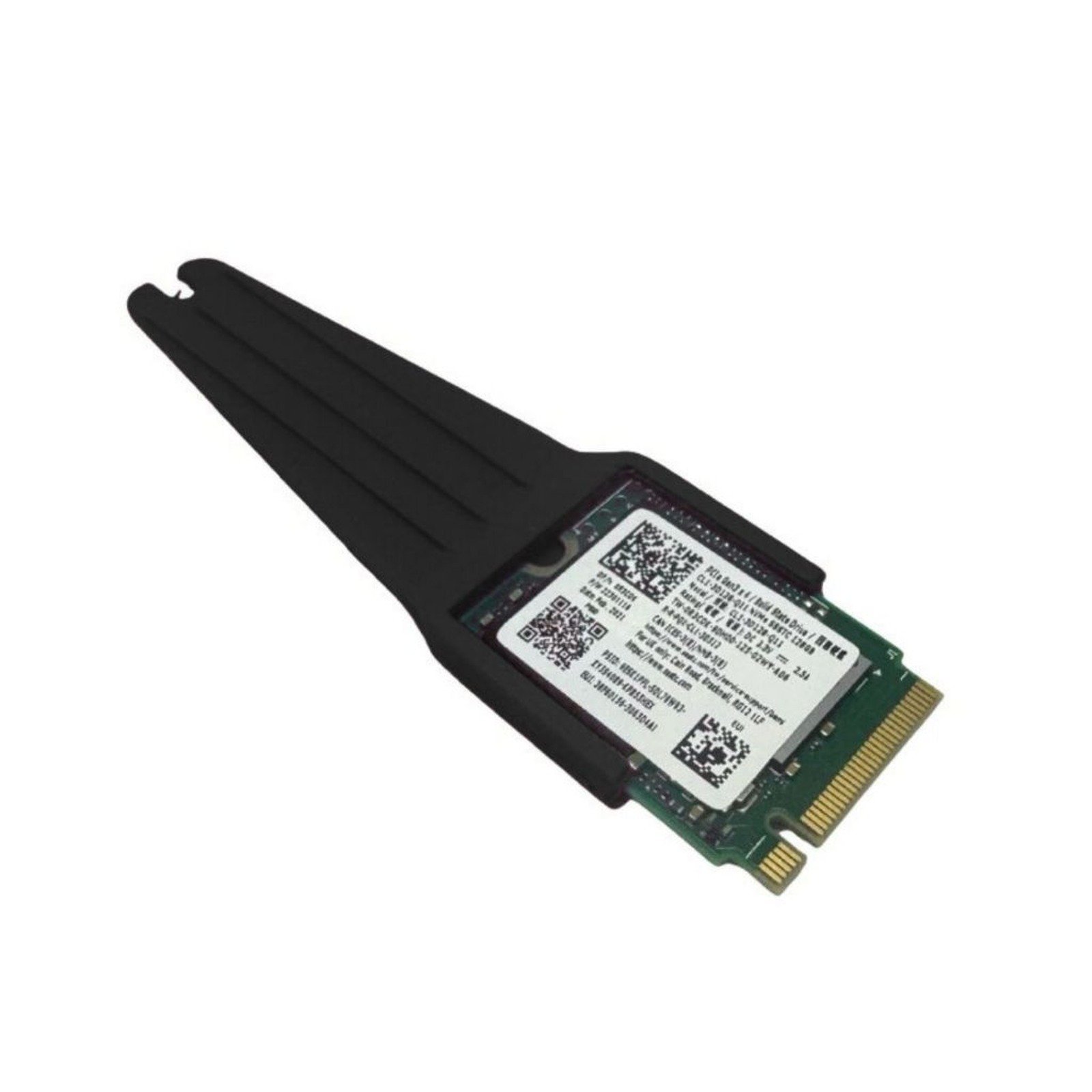
M.2 2230 to 2280 adapter. Short 2230 SSDs are common in handhelds and some laptops. This extender lets you use one in a standard 2280 slot, handy for reusing the drive left over after a handheld upgrade.
How to shop on Shopee without headaches
- Check the store, not just the product: prefer official stores or sellers with many sales and high ratings. Every link here goes to a listing with a sales history.
- Read the selected variant: many listings bundle capacity, color or version into one link. Check before paying.
- Compare shipping and delivery time: the cheapest option sometimes arrives much later.
- Use the daily coupons: Shopee releases shipping and discount coupons almost every week, and they apply to these items.
- Take photos on delivery: if something arrives wrong, Shopee Guarantee asks for that proof.
Our take
For most players, our opinion is that a good PCIe 4.0 drive is the best deal today. The Kingston NV3 fixes the problem for anyone still gaming on a hard drive, and the Lexar NQ790 is the next step for top-tier speed without paying a lot. PCIe 5.0 is still a luxury: in today's games, the load-time gap to a good 4.0 drive is a few seconds. For PS5, the FURY Renegade with heatsink is the hassle-free buy.
FAQ
Is 1TB still enough? For a handful of games, yes. But titles like Call of Duty take hundreds of gigabytes on their own. If you play a bit of everything, aim for 2TB.
Do I need a heatsink? If your motherboard already has one on the M.2 slot, no. On PS5 and on PCs without one, it keeps the SSD from slowing down when it gets hot.
Is it worth buying an SSD on Shopee? Yes, as long as you buy from official stores or sellers with many sales and reviews, like the ones on this list. Be wary of prices far below the market.