
In this story
Use your phone as a controller on smart TVsXbox Nano Controller cloud connectWhat you still need for Xbox Cloud GamingWhy it mattersWhat comes next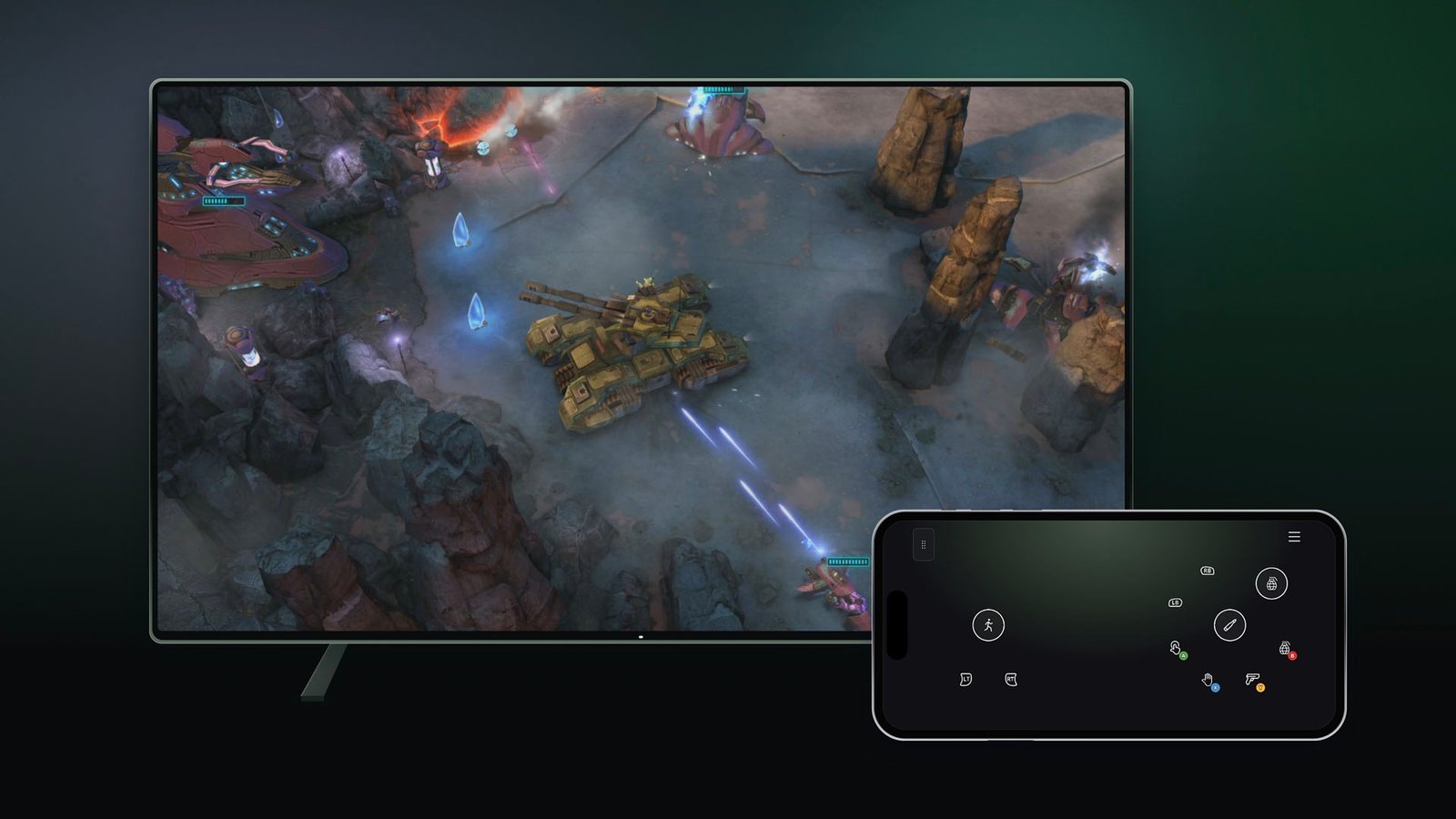
Xbox Cloud Gaming is testing two new ways to play. Starting November 4, 2026, Microsoft is previewing the option to use your phone as a controller on supported smart TVs, and a cloud connect mode that links the Xbox Nano Controller directly to the cloud server over Wi-Fi.
Both are early previews, so availability, supported games and devices are limited. But they target the two biggest hurdles of playing on a TV without a console: needing a controller at all, and input lag.
Use your phone as a controller on smart TVs
The first preview, announced on Xbox Wire, lets you play cloud games on a supported smart TV using an Android or iOS phone instead of a gamepad. The controls open in the phone's web browser, so there is no separate app to install, and Microsoft says some games will have tailored layouts.
How to try it:
- Update the Xbox app on your supported smart TV to the latest version.
- Go to Settings > Account and turn on Preview Features.
- Launch a game without a physical controller connected. The TV will offer the option to use your phone for that session.
- Scan the QR code on the TV with your phone to connect.
This preview is available in the countries where Xbox Cloud Gaming is supported. Xbox points players to its verified-devices list to check which TVs are compatible. Feedback can be sent from the phone (tap the Xbox icon in the top-left corner and choose "Give Feedback") or from the TV through the Guide.
Xbox Nano Controller cloud connect
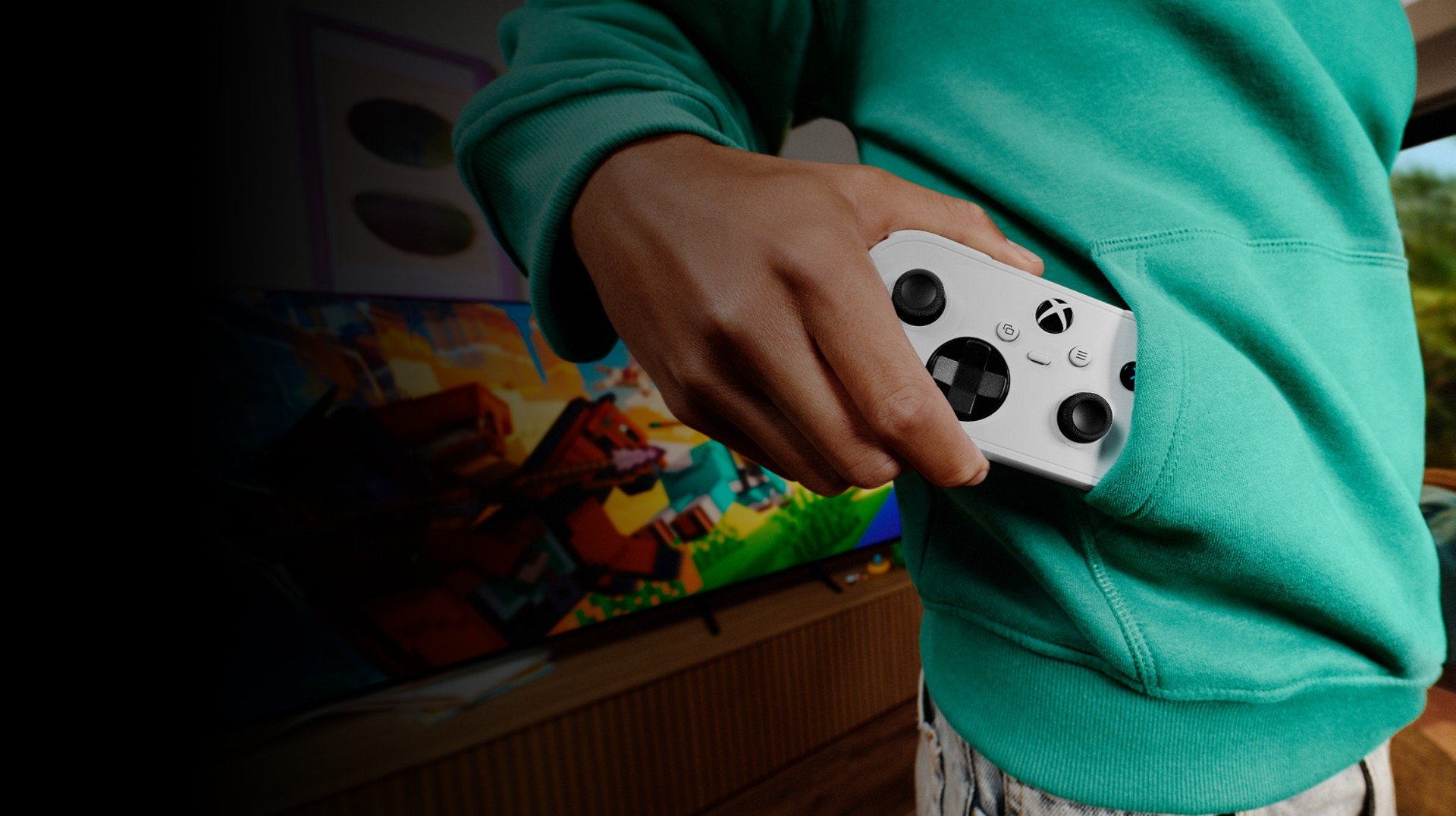
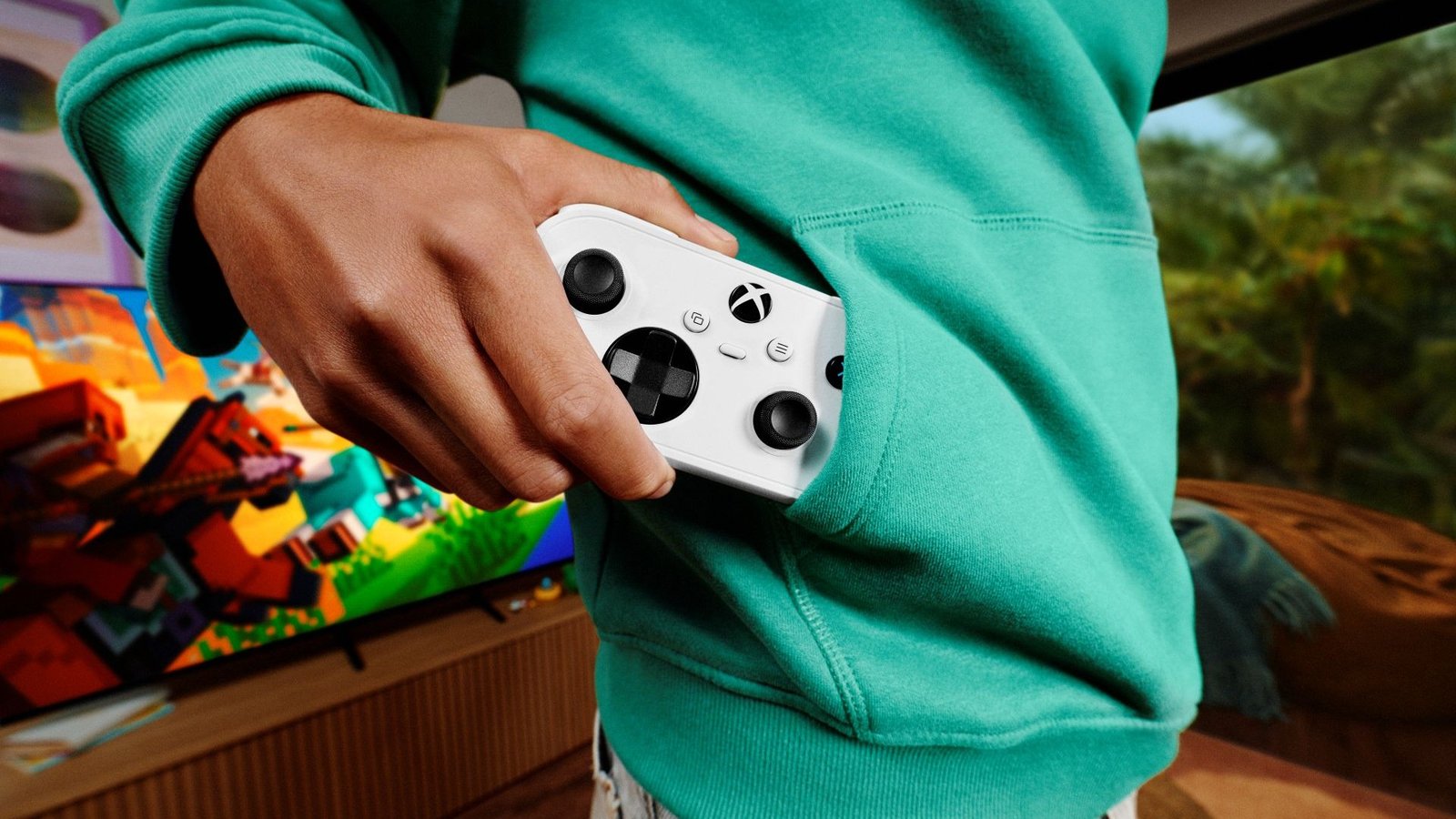
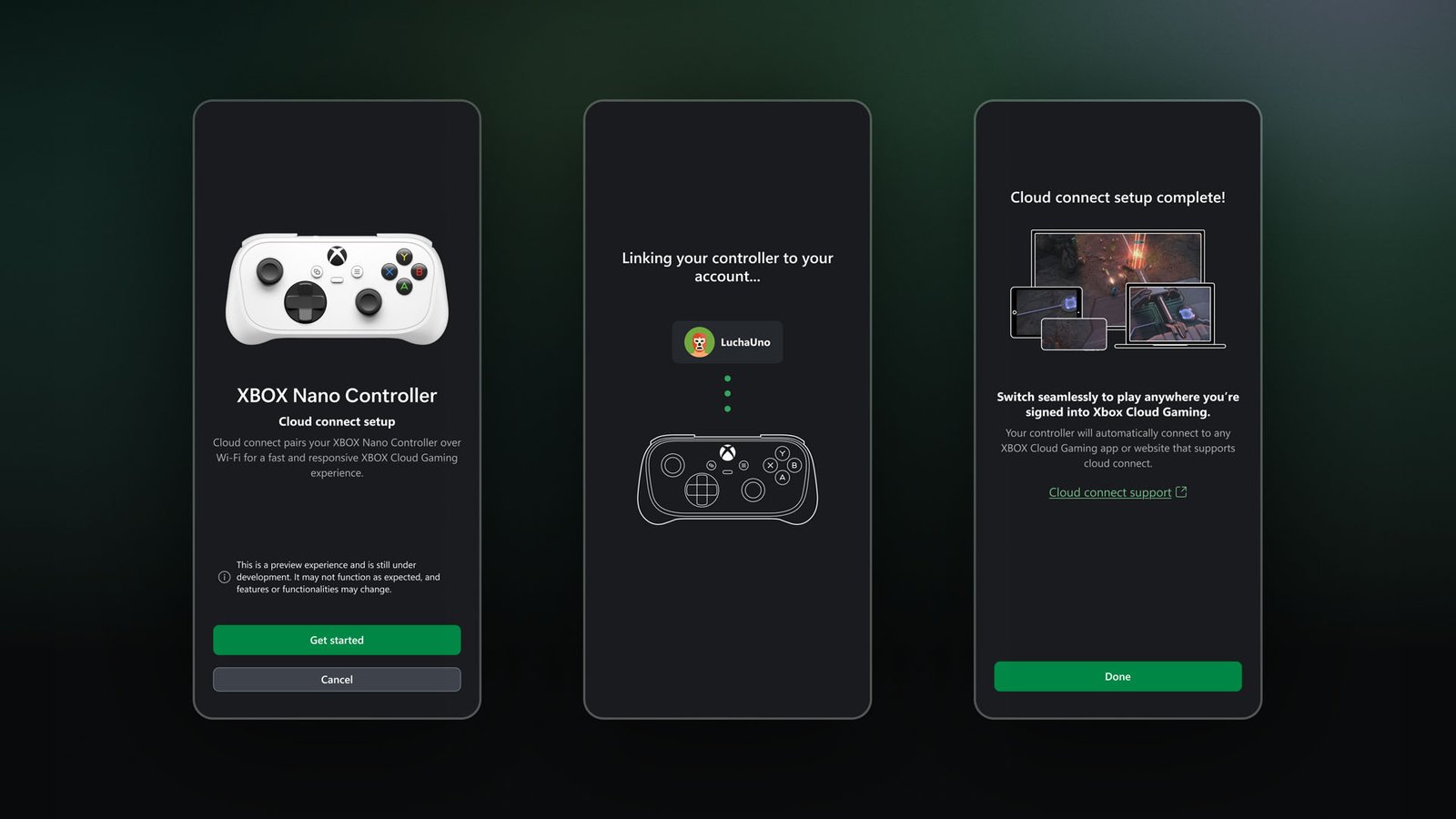
The second preview is for the Xbox Nano Controller, Microsoft's pocket-sized gamepad. Normally a controller talks to your TV or device over Bluetooth, and the device relays your inputs to the cloud. With cloud connect, the Nano Controller joins your Wi-Fi network and sends inputs directly to the cloud server running the game. Microsoft says this can reduce input latency.
Setup works like this:
- Use the Xbox beta app on Android or the Xbox Accessories app on PC to set up the controller and connect it to Wi-Fi. Setup through the PC app requires Xbox Insider enrollment.
- Sign in to the cloud gaming experience with the same Xbox account you used during setup.
- Play on a supported smart TV or on the web.
This preview is U.S. only for now, and Microsoft warns it won't work with every cloud gaming experience yet. When the Nano Controller was announced, Microsoft listed Xbox Wireless and Bluetooth as its connection options, so a Wi-Fi link to the cloud is a meaningful addition. We broke down its price, battery and compatibility in our Xbox Nano Controller explainer.
What you still need for Xbox Cloud Gaming
Neither preview changes the basic requirements. According to Xbox's cloud gaming page, you need an Xbox Game Pass plan with cloud play or a free-to-play game such as Fortnite, a compatible device and a fast internet connection. Xbox lists cloud playtime allowances by tier: 5 hours a month on Essential, 10 on Premium and 15 on Ultimate. Cloud gaming is not included with PC Game Pass.
On TVs, Xbox Cloud Gaming runs on select LG, Samsung and VIDAA OS-powered models, as well as Amazon Fire TV devices, according to the same page.
Why it matters
Cloud gaming on a TV has always had a hidden cost: you still need a controller. The phone option removes that barrier for casual sessions, such as a quick game at a friend's house or trying a game before committing. Touchscreen controls won't replace a real gamepad for fast shooters, but they lower the entry point.
Cloud connect goes the other way, aimed at players who care about responsiveness. Removing one hop between the controller and the server is a sensible approach, and if it works as advertised, it could make the Nano Controller a better fit for TV cloud play than a standard Bluetooth pad.
What comes next
Microsoft hasn't given a date for a full rollout of either feature, and both may change based on feedback. If you have a supported TV, the phone controller option is the easiest to try today; in the U.S., Nano owners can test cloud connect through the Android beta app or the Insider PC app.
Sources
- Xbox Wire — Preview Two New Ways to Play with Xbox Cloud Gaming (official images used in this article)
- Xbox — Cloud gaming requirements, plans and supported devices
- Windows Central — Microsoft announces a new pocket-sized Xbox controller
- Pure Xbox — Xbox Announces Two New Methods To Play Games Through The Cloud